.NET desktop app
The casdoor-dotnet-desktop-example shows Casdoor sign-in in a .NET desktop app using WebView2.
Run the example
Prerequisites
- .NET 6 SDK
- WebView2 Runtime (usually preinstalled on Windows)
Initialization
Set these 5 string parameters:
| Name | Description | File |
|---|---|---|
| Domain | The host/domain of your Casdoor server | CasdoorVariables.cs |
| ClientId | The Client ID of your Casdoor application | CasdoorVariables.cs |
| AppName | The name of your Casdoor application | CasdoorVariables.cs |
| CallbackUrl | The path of the callback URL for your Casdoor application. If not provided, it will be casdoor://callback | CasdoorVariables.cs |
| ClientSecret | The Client Secret of your Casdoor application | CasdoorVariables.cs |
Defaults: Casdoor demo and app-casnode if not set.
Running
Visual Studio
- Open
casdoor-dotnet-desktop-example.sln - Press
Ctrl + F5to start
Command line
cd src/DesktopAppdotnet run
Preview

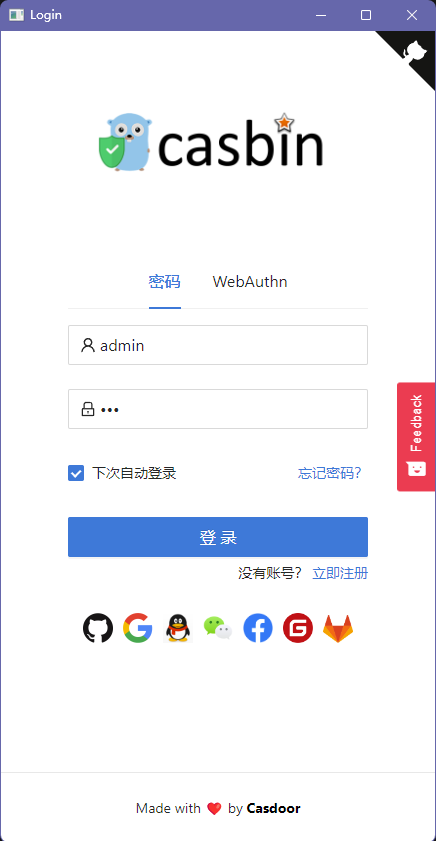
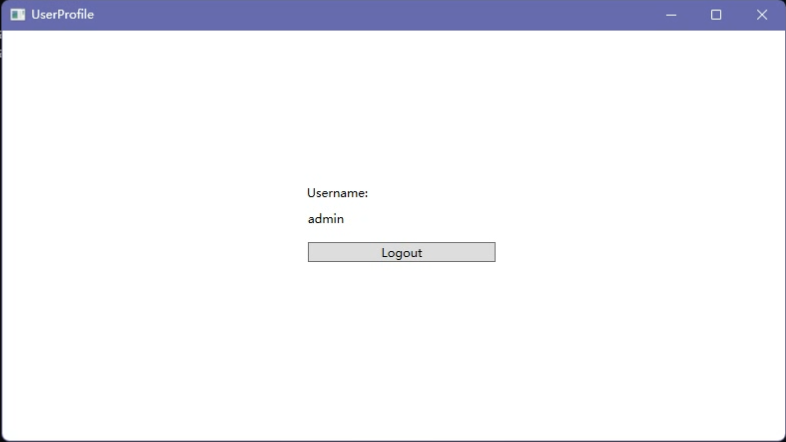
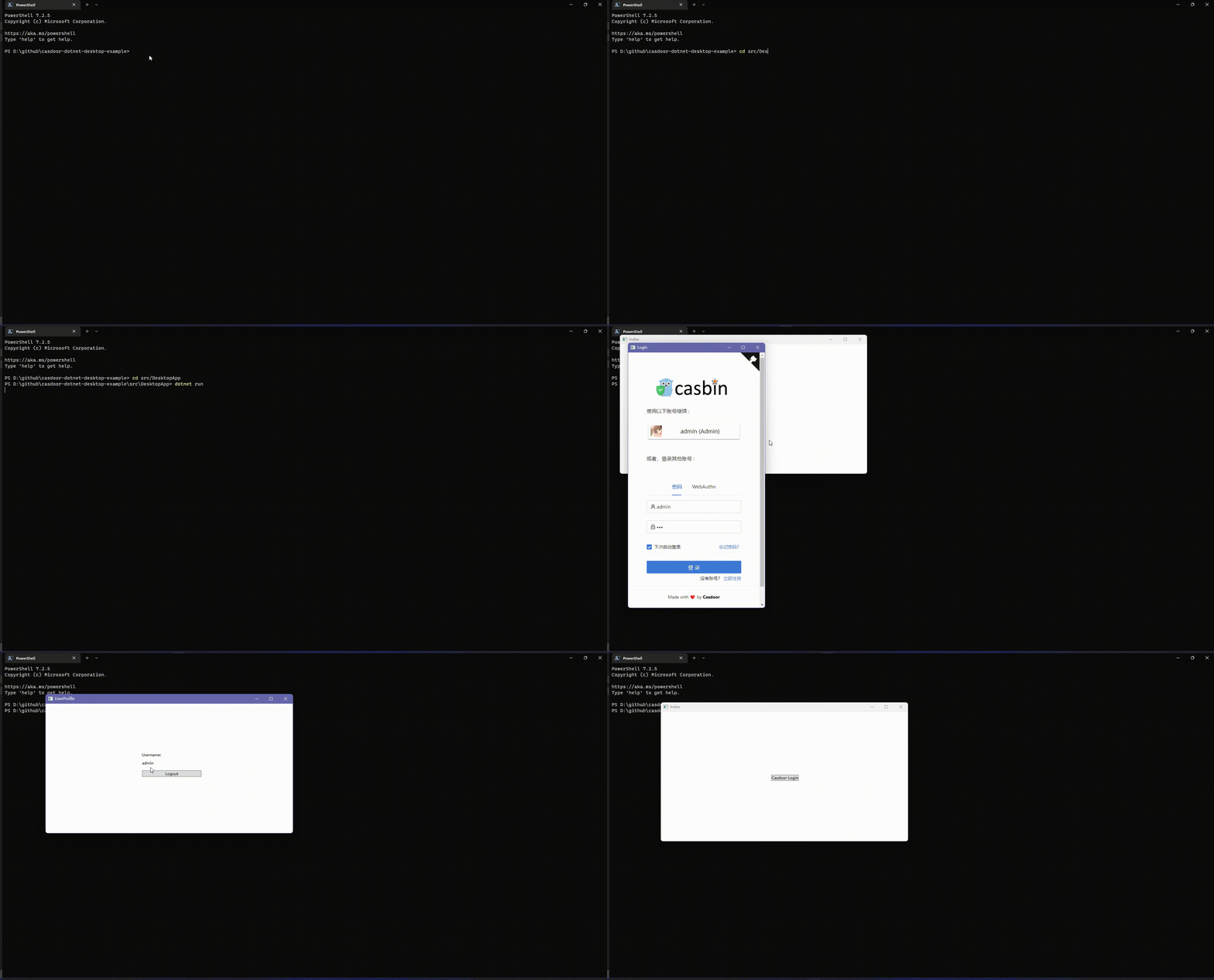
Click Casdoor Login to open the login window. After sign-in, the user profile is shown.
Integration
Open the login window
var login = new Login();
// Triggered when login succeeds, you will receive an auth code in the event handler
login.CodeReceived += Login_CodeReceived;
login.ShowDialog();
Exchange the auth code for user info
public async Task<string?> RequestToken(string clientId, string clientSecret, string code)
{
    var body = new
    {
        grant_type = "authorization_code",
        client_id = clientId,
        client_secret = clientSecret,
        code
    };

    var req = new RestRequest(_requestTokenUrl).AddJsonBody(body);
    var token = await _client.PostAsync<TokenDto>(req);

    return token?.AccessToken;
}

public async Task<UserDto?> GetUserInfo(string token)
{
    var req = new RestRequest(_getUserInfoUrl).AddQueryParameter("accessToken", token);

    return await _client.GetAsync<UserDto>(req);
}

...

var token = await _casdoorApi.RequestToken(
    CasdoorVariables.ClientId,
    CasdoorVariables.ClientSecret,
    authCode,
);

var user = await _casdoorApi.GetUserInfo(token);