Geetest captcha
1. Get Geetest keys
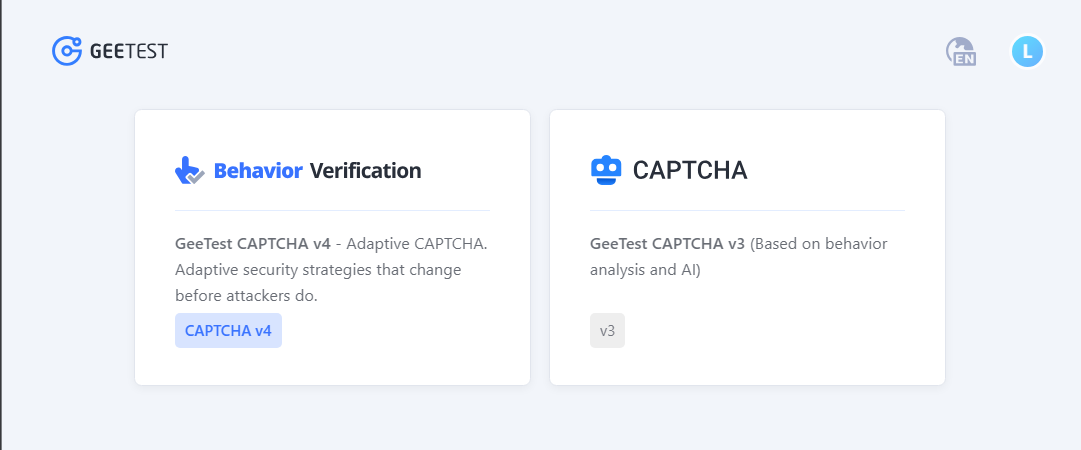
- Open Geetest CAPTCHA V4 and create a product/app.
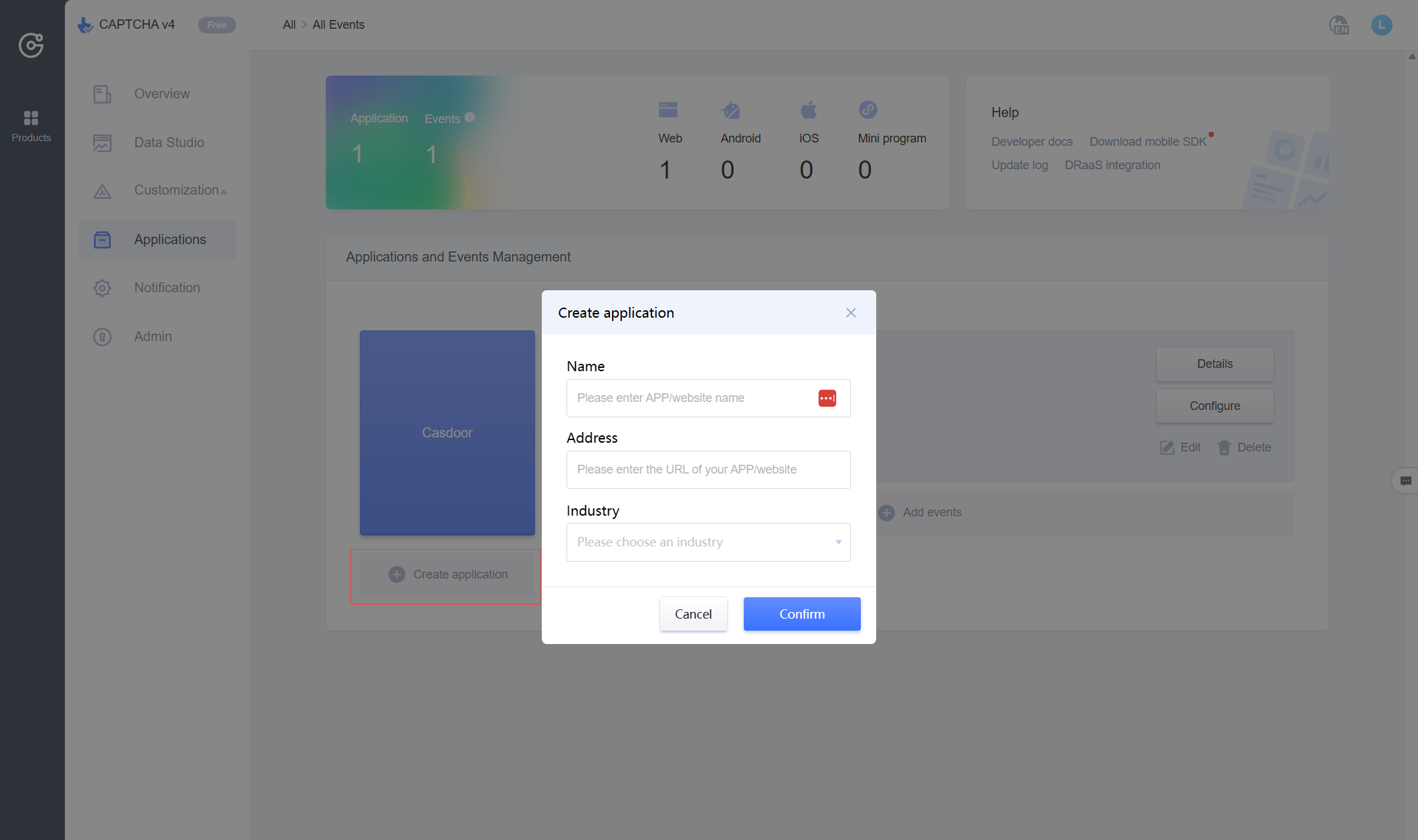
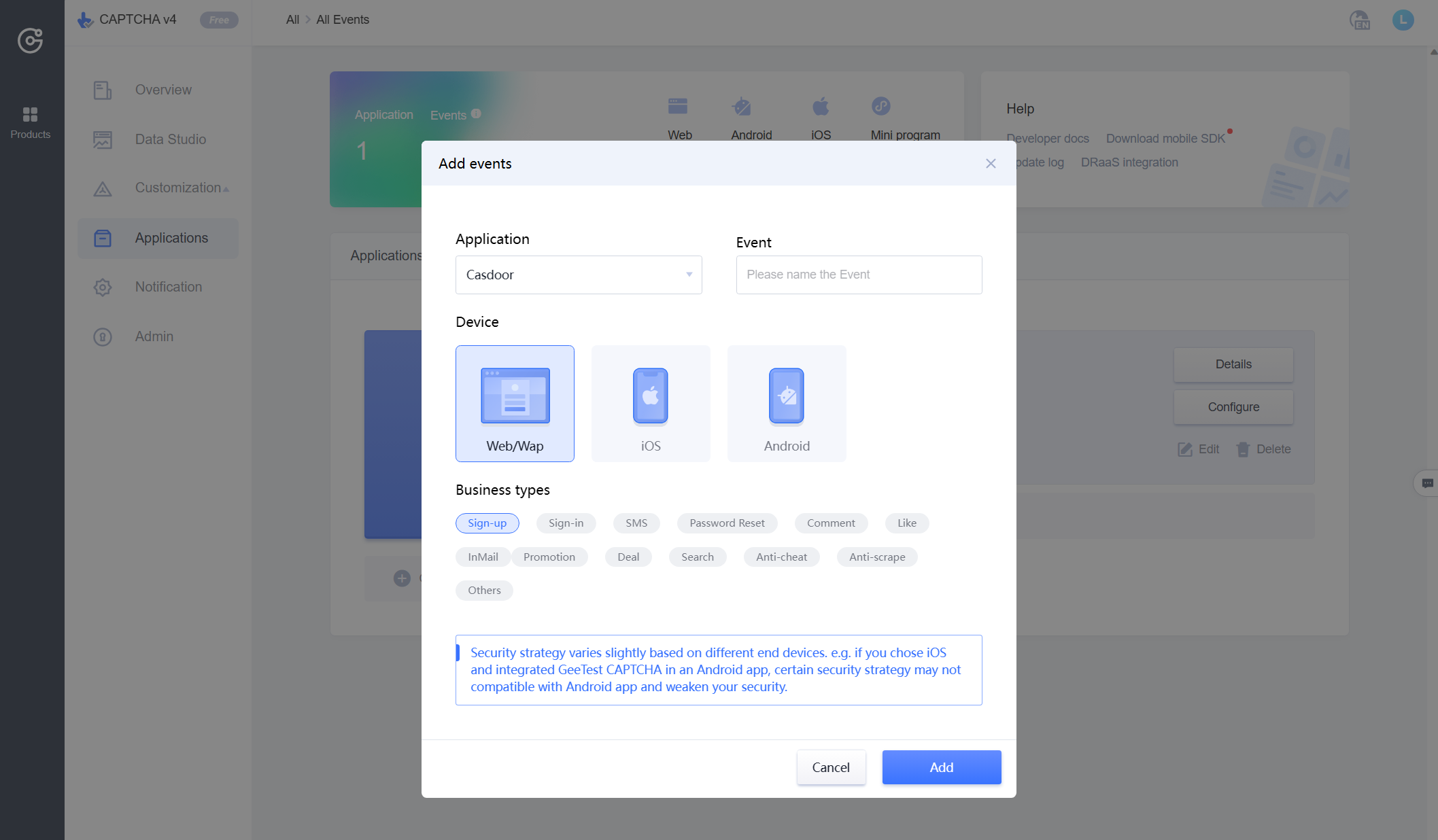
- Enter application name and address; add events and choose web as the device.
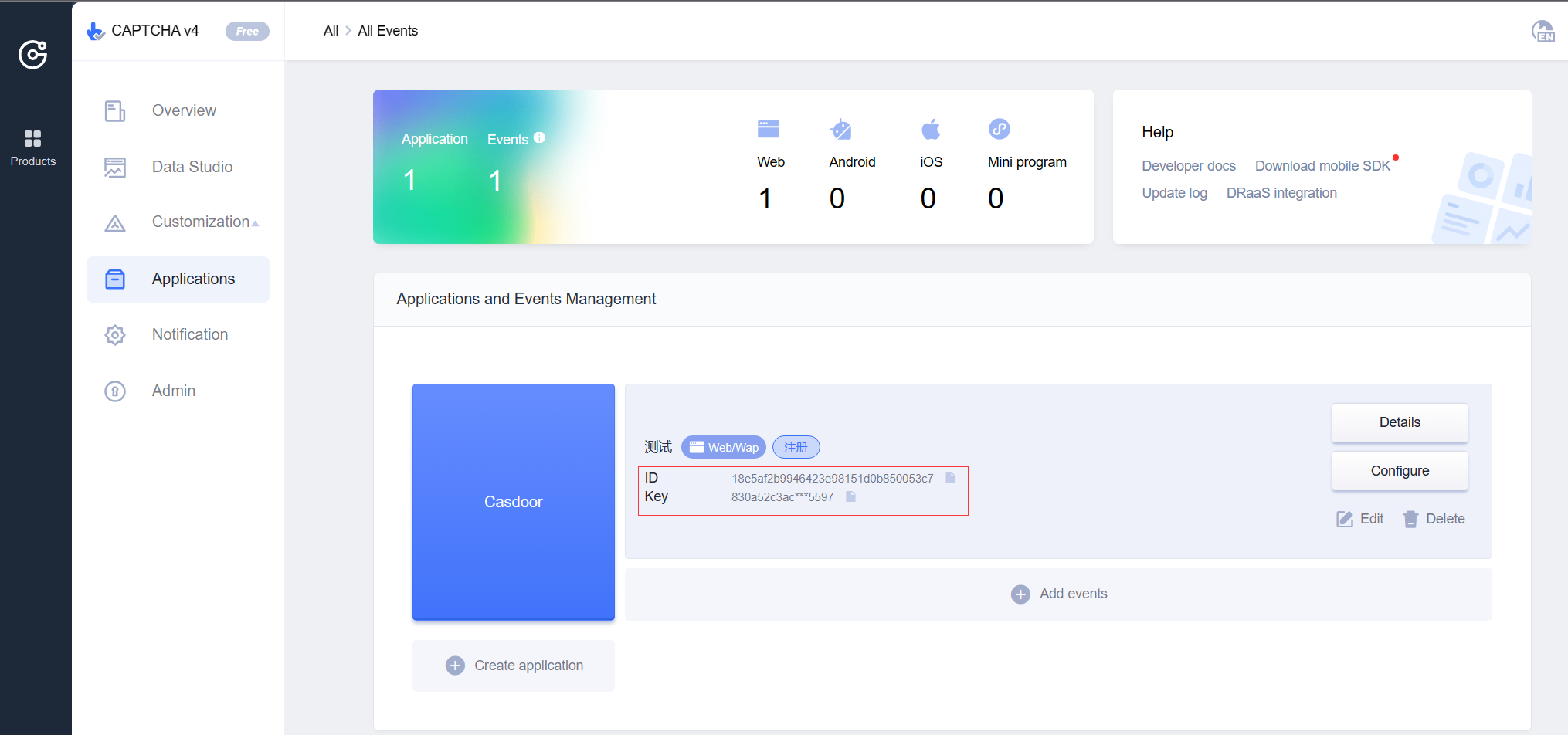
- Copy the ID and Key (site key and secret key).
2. Configure Casdoor
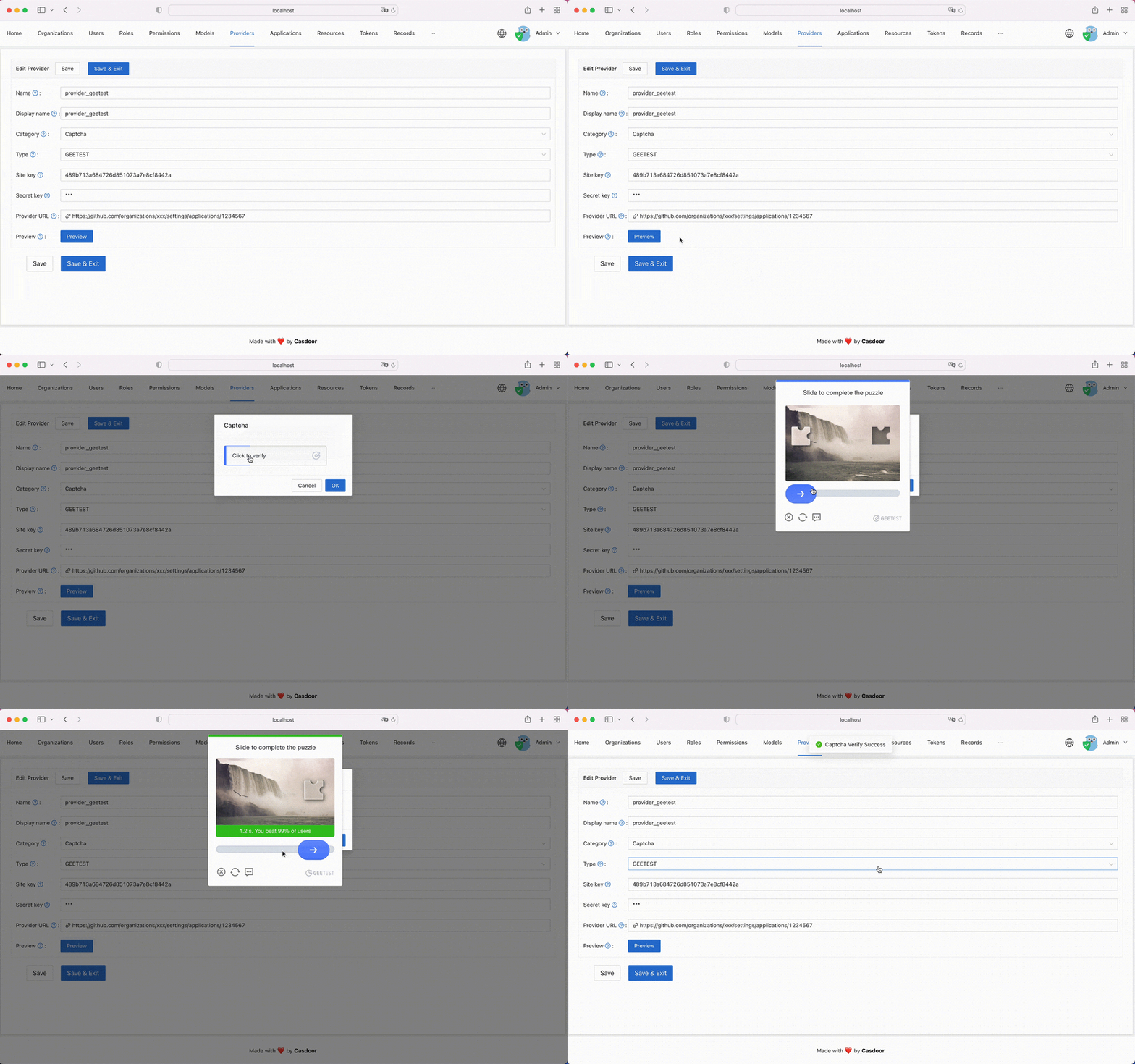
Providers → Add. Set Category to Captcha, Type to Geetest. Enter the ID as Site key and the Key as Secret key. Use Preview to check the captcha style.
3. Apply to an application
Edit the application in Casdoor, add the Geetest provider to its provider list, and save.
