Google OAuth
Configure Google OAuth in the Google API Console.
Configure in Google Cloud
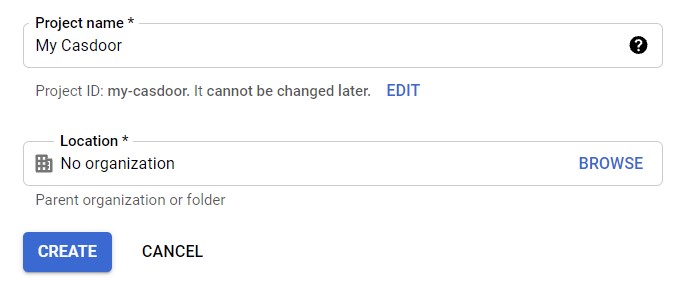
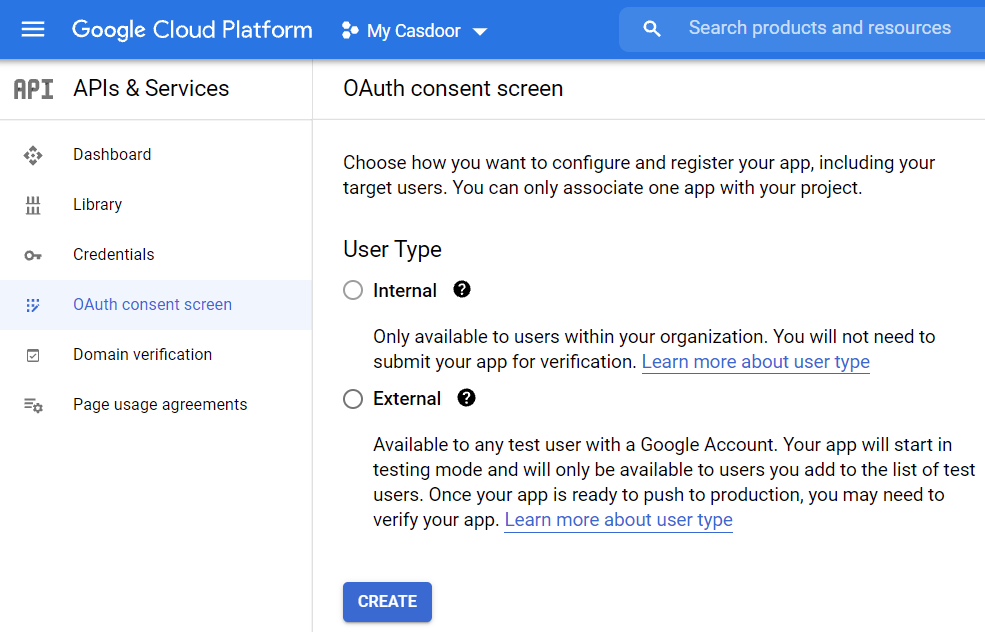
- Create or select a project. Open APIs & Services → OAuth consent screen and configure the consent screen.
- Go to Credentials → Create credentials → OAuth client ID. Choose application type (e.g. Web application) and set Authorized redirect URIs.
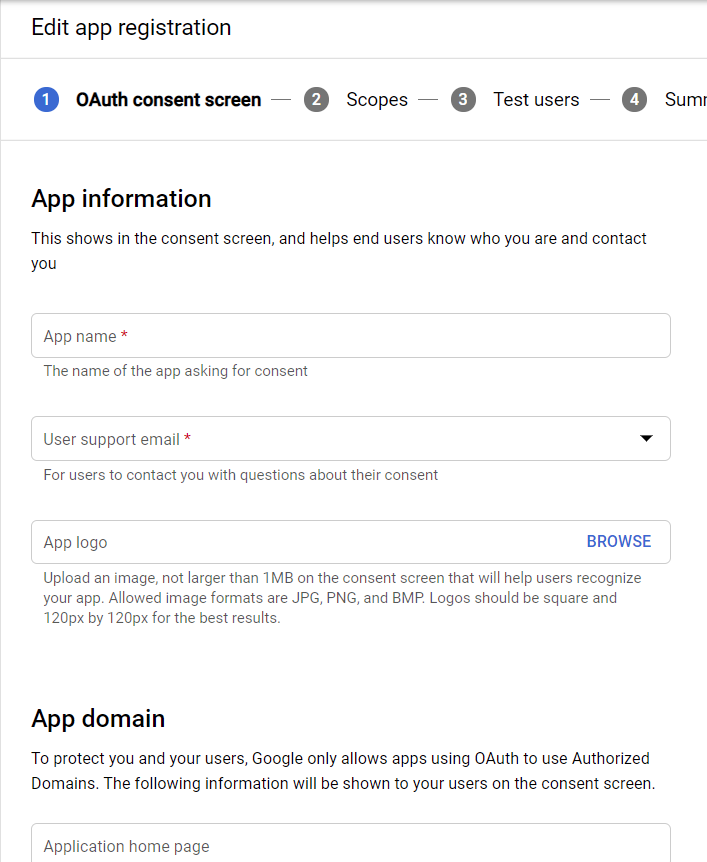
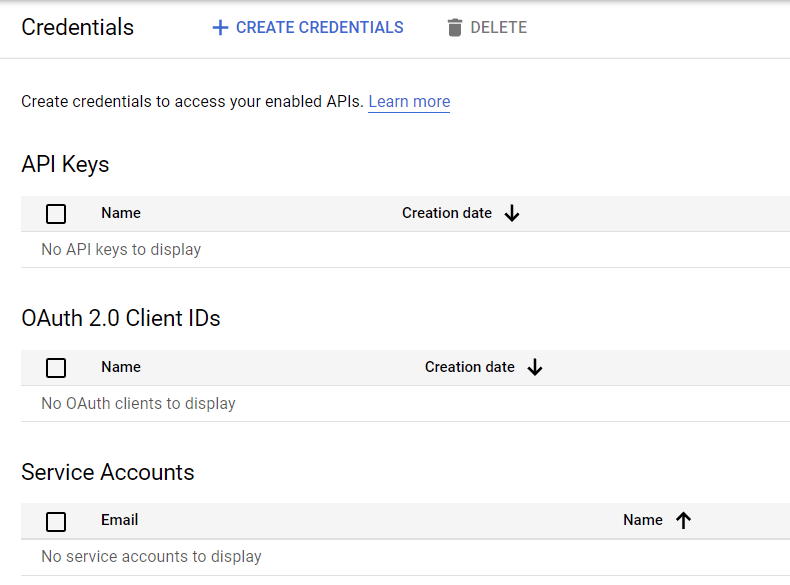
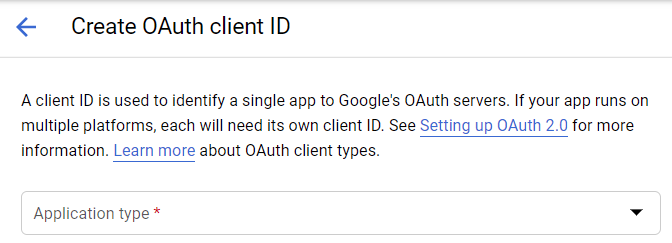
thông tin
Authorized redirect URIs in Google must be Casdoor’s callback URL. In Casdoor, the application Redirect URL is your application’s callback URL. See Application config.
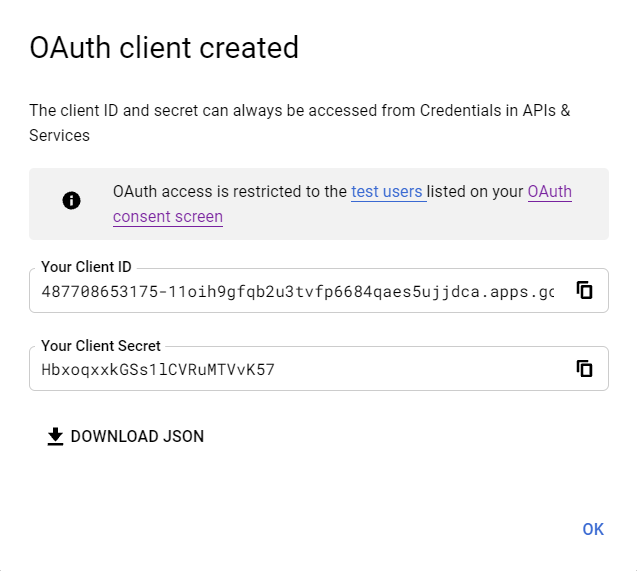
- After creating the client, copy the Client ID and Client Secret.
Add the provider in Casdoor
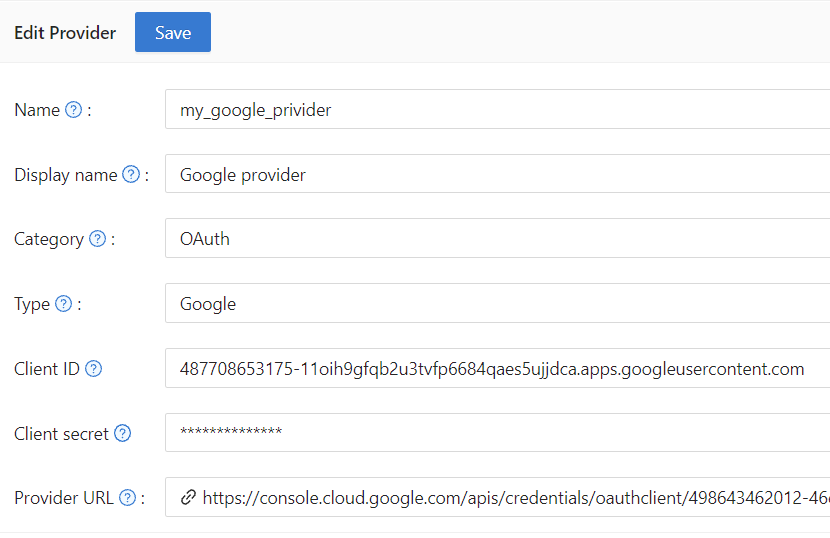
Create an OAuth provider, set Type to Google, and enter the Client ID and Client Secret.
Optional: phone number scope
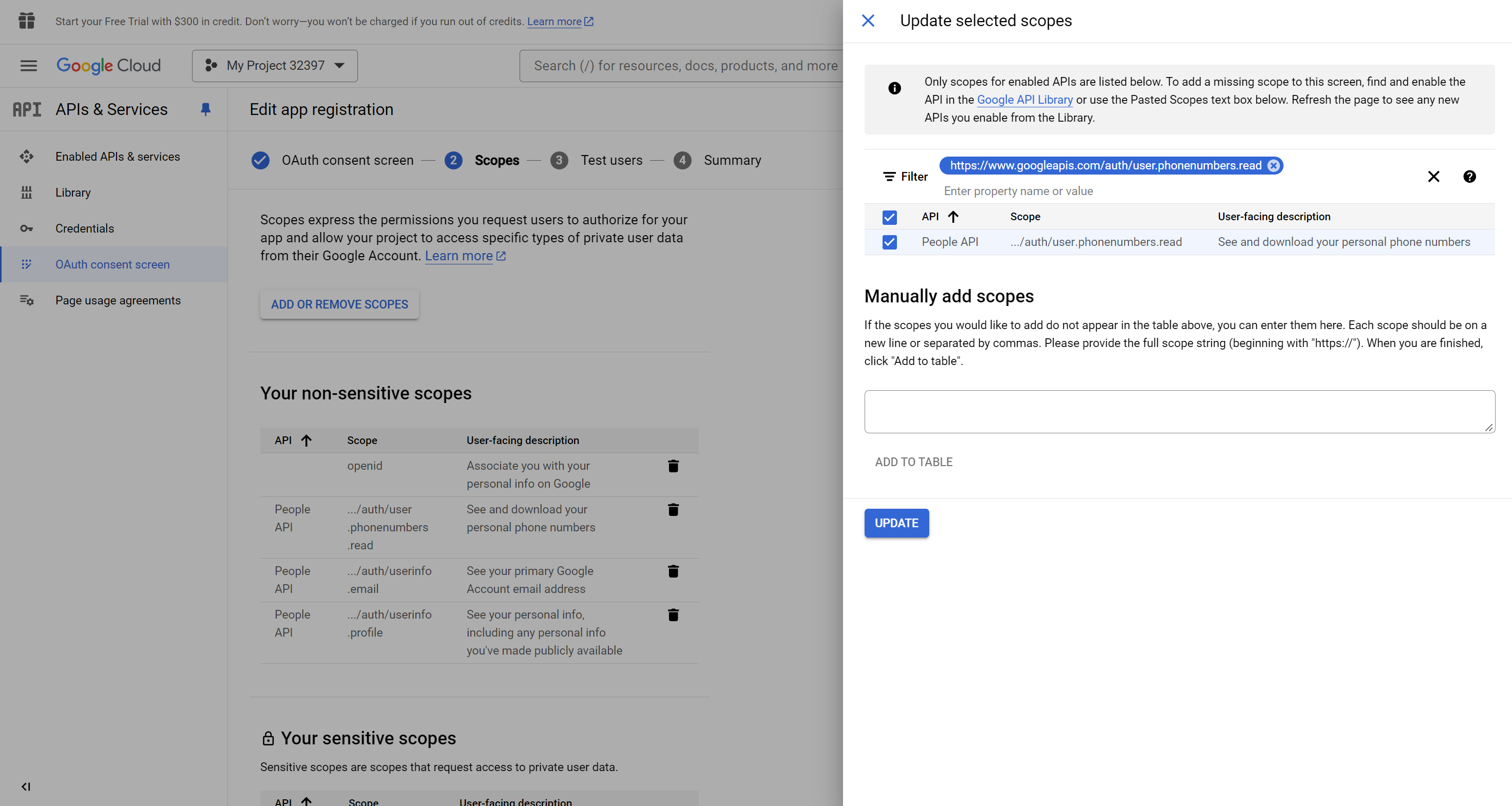
If you enable Get password (or need the user’s phone number), enable the Google People API and add the scope https://www.googleapis.com/auth/user.phonenumbers.read to the provider.