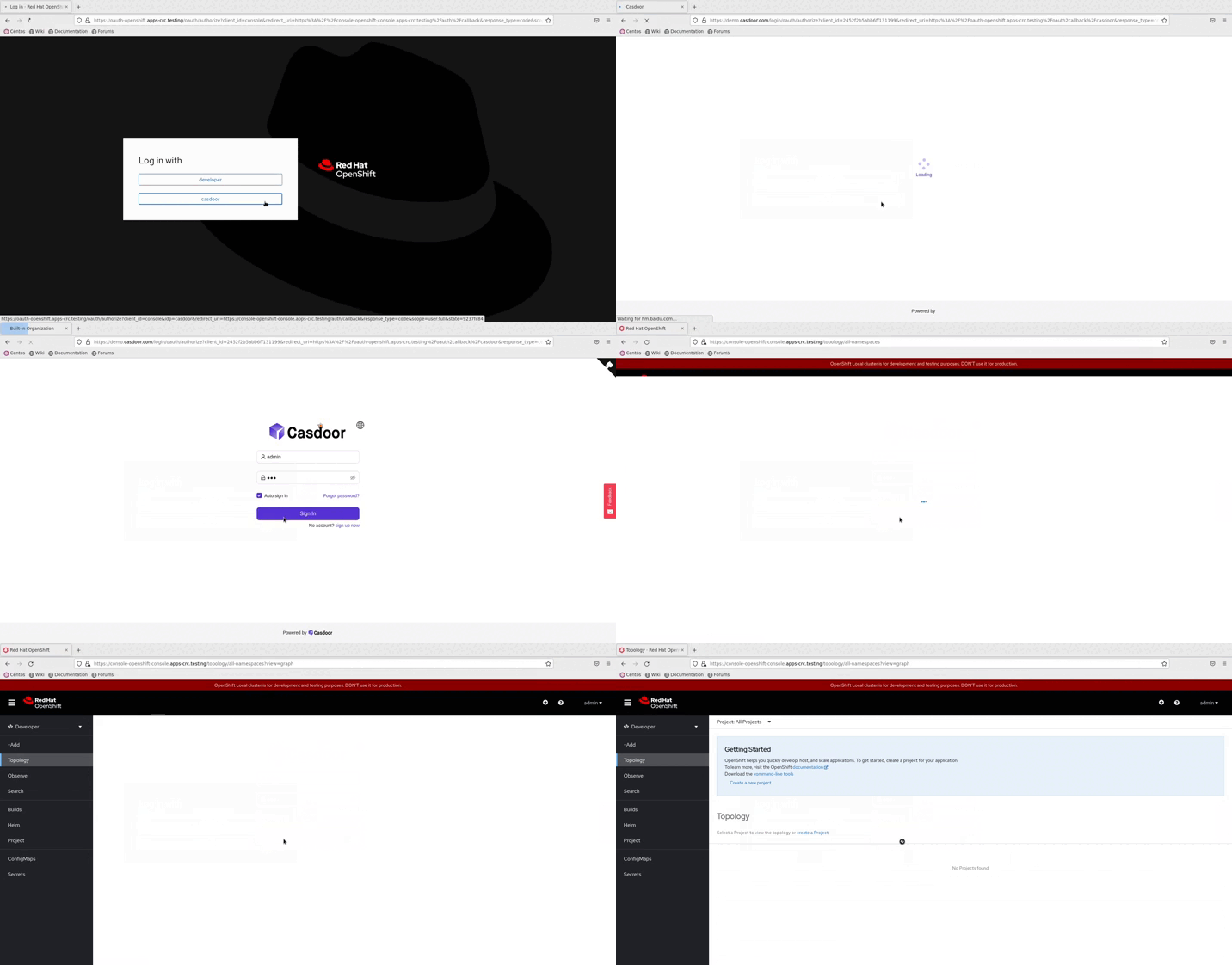
OpenShift
OpenShift supports OIDC, so we can integrate Casdoor with OpenShift. The following steps demonstrate how to integrate Casdoor with OpenShift Local using the online demo of Casdoor.
Step 1: Create a Casdoor application
In Casdoor add an application. Note Client ID and Client secret. Set Redirect URL to https://oauth-openshift.apps.<cluster_name>.<cluster_domain>/* (adjust for your cluster).
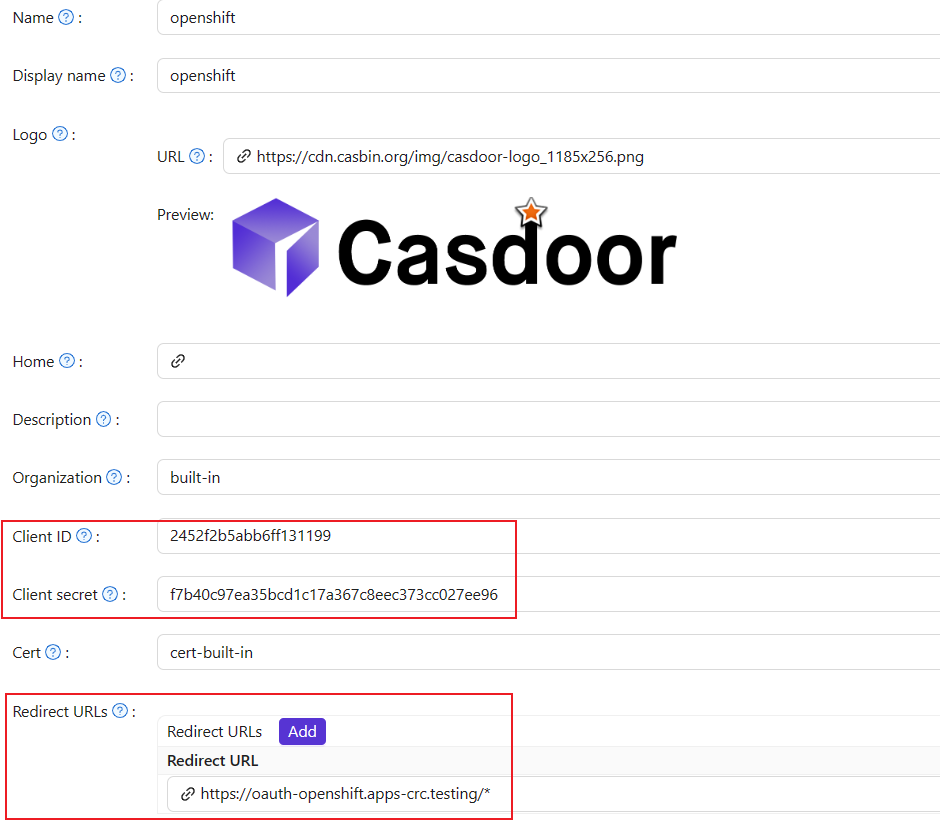
Step 2: OpenShift OAuth Configuration
Now log into the OpenShift Console as Kubeadmin. Once you are logged in, browse to the side menu and locate the Cluster settings.
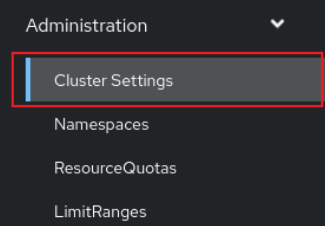
Under Global Configuration, open OAuth.

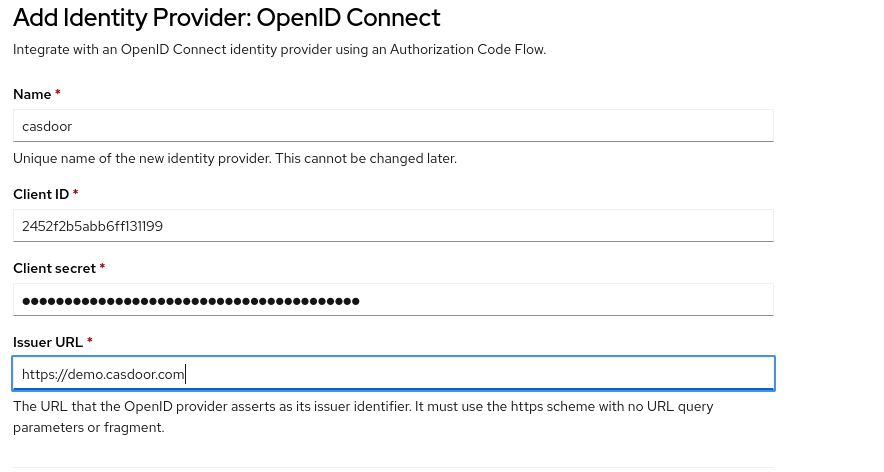
In Identity Provider → ADD, select OpenID Connect.
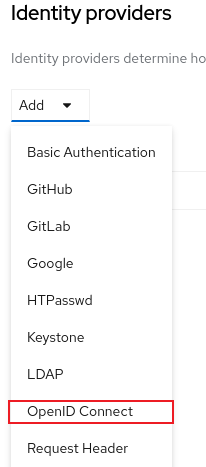
Enter Client ID and Client secret from step 1. Set Issuer URL to https://<casdoor-host> (HTTPS required).
Step 3: Test OIDC Authentication
Open the OpenShift console in a browser. Select the Casdoor login option (the name configured above); you are redirected to the Casdoor login page.