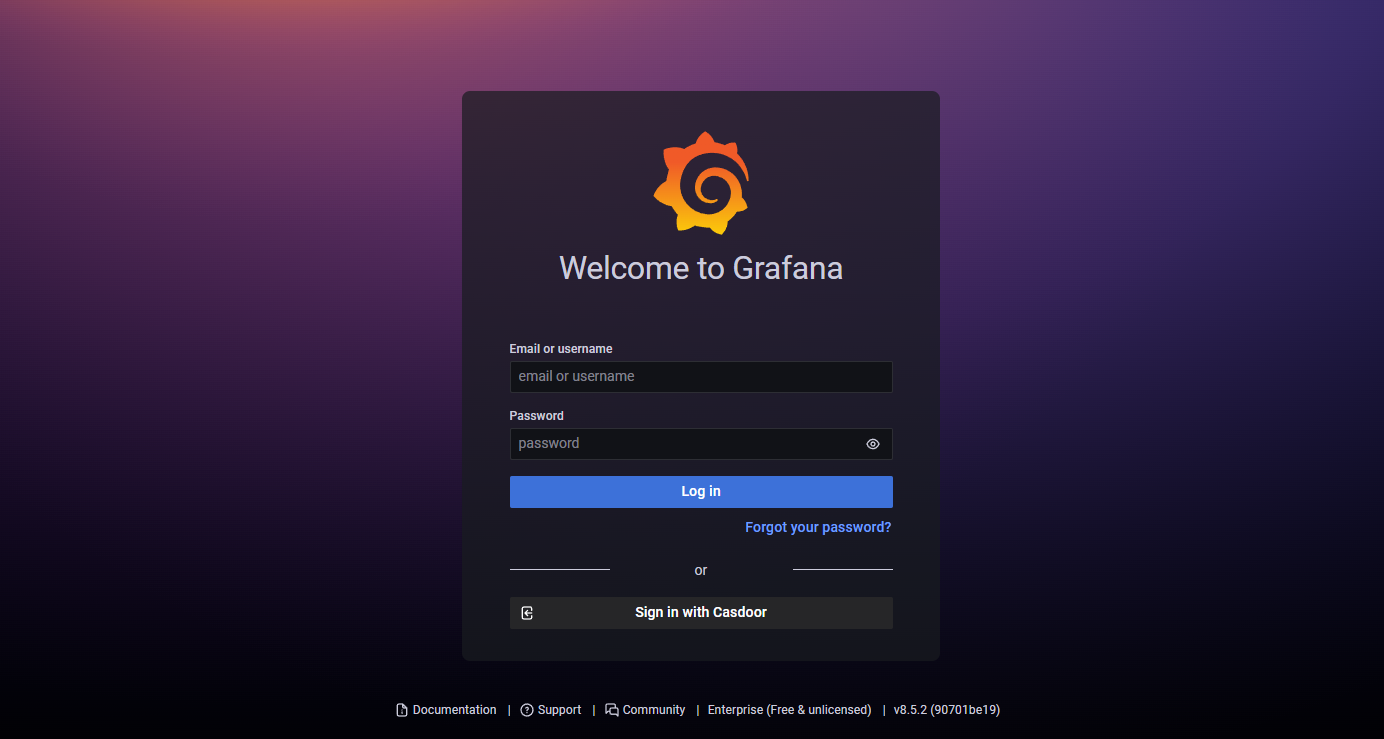
Grafana
Grafana supports generic OAuth. Use Casdoor as the IdP so users sign in to Grafana with their Casdoor accounts. Ensure Grafana is installed and running.
Step 1: Create a Casdoor application for Grafana
Create an application in Casdoor and add Grafana’s callback URL. Default Grafana OAuth callback path: /login/generic_oauth, so the full redirect URL is https://<grafana-host>/login/generic_oauth. Copy the Client ID and Client Secret.
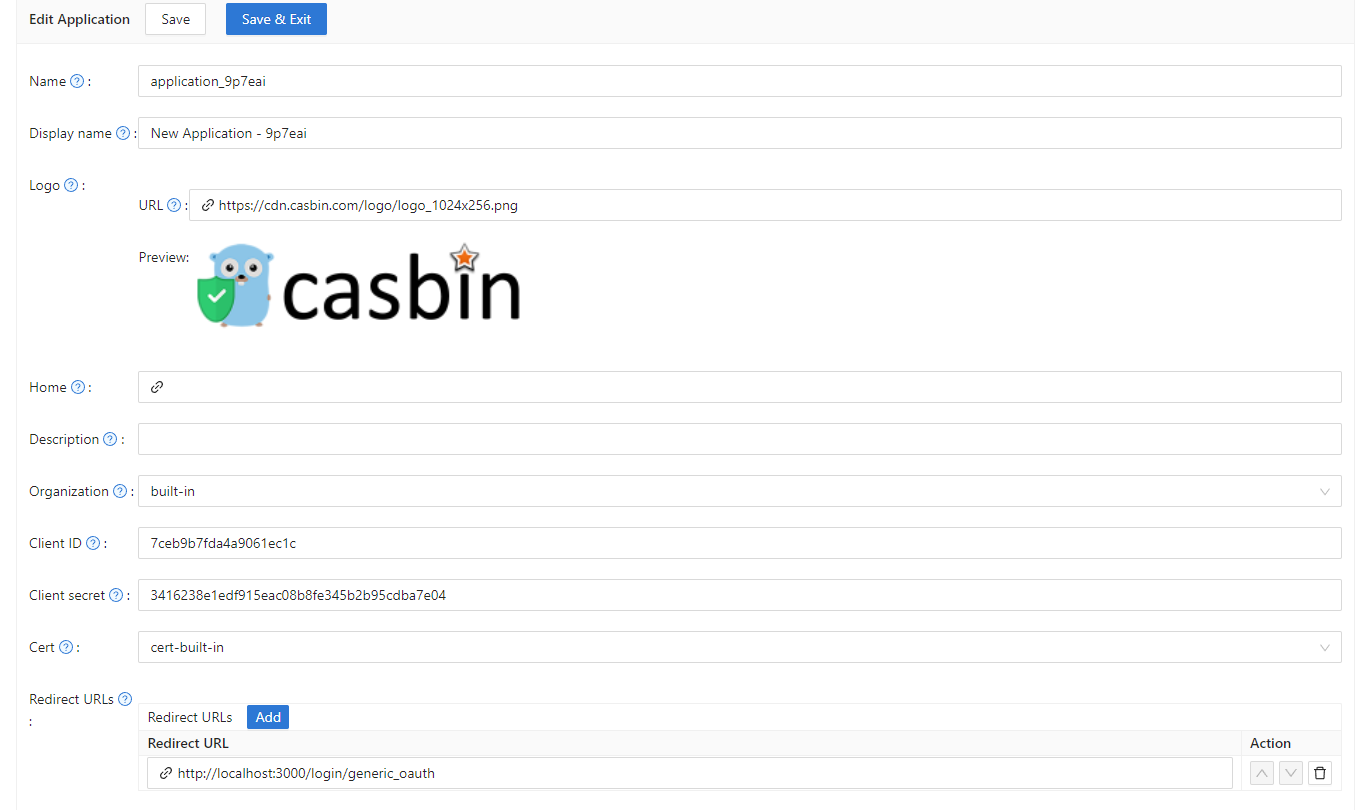
Step 2: Configure Grafana
Edit the Grafana config (e.g. conf/defaults.ini or your custom config). Find or add [auth.generic_oauth] and set:
[auth.generic_oauth]
name = Casdoor
icon = signin
enabled = true
allow_sign_up = true
client_id = <client ID from previous step>
client_secret = <client secret from previous step>
auth_url = <Casdoor endpoint>/login/oauth/authorize
token_url = <Casdoor endpoint>/api/login/oauth/access_token
HTTPS
If Casdoor or Grafana is not using HTTPS, set tls_skip_verify_insecure = true.
Redirect after sign-in
If the post-login redirect is wrong, set root_url in [server]:
[server]
http_port = 3000
# The public-facing domain name used to access Grafana from a browser
domain = <your IP here>
# The full public-facing URL
root_url = %(protocol)s://%(domain)s:%(http_port)s/
Related links:
About Role Mapping
You may want to configure role_attribute_path to map your user's role to Grafana via role_attribute_path.
[auth.generic_oauth]
role_attribute_path = contains(roles[*].name, 'admin') && 'Admin' || contains(roles[*].name, 'editor') && 'Editor' || 'Viewer'
role_attribute_strict = true
allow_assign_grafana_admin = true
The JMESPath expression after role_attribute_path is important; see the Grafana docs.
Step 3: See if it works
Shutdown Grafana and restart it.
Go to the login page. You should see something like this: