Sign-in methods
On the application edit page, configure the sign-in items table: add, remove, and reorder methods. Supported methods: Password, Verification code, WebAuthn, and LDAP.

Field reference:
| Column | Descripción |
|---|---|
| Nombre | Sign-in method name. |
| DisplayName | Label shown to users. |
| Regla | Rule that customizes this method (see table below). |
| Acción | Move up, move down, or delete. |
Rules are supported for Password and Verification code only.
| Method | Rules | Descripción |
|---|---|---|
| Contraseña | All (default), Non-LDAP | All — LDAP users can sign in with password. Non-LDAP — LDAP users cannot use password sign-in. |
| Código de verificación | All (default), Email only, Phone only | Which channel to use for the code: both, email only, or phone only. |
nota
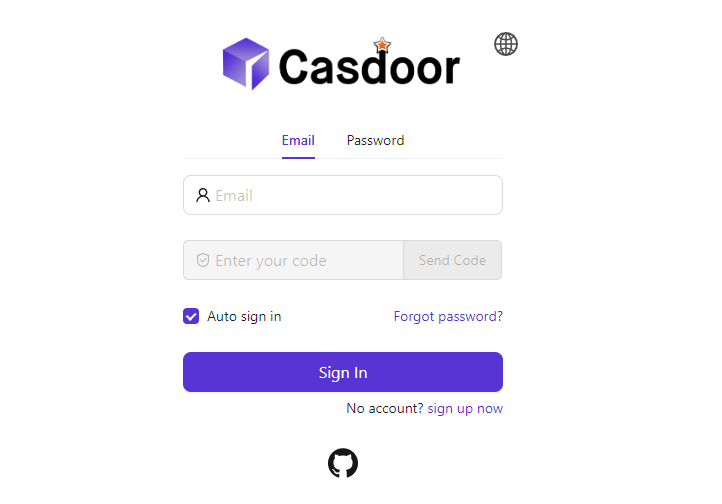
Example: Prefer email sign-in, then password. Add Verification code first and Password second; set the verification code rule to Email only so the code is sent only by email. Optionally set a clear display name for the verification code method (e.g. “Email login”).

consejo
All methods except LDAP are available by default. At least one sign-in method must be configured.
Aquí hay un video de cómo funciona el método de inicio de sesión: