Spring Cloud Gateway
The casdoor-springcloud-gateway-example is an example of how to use the casdoor-spring-boot-starter as an OAuth2 plugin in Spring Cloud Gateway. The steps to use it are described below.
Step 1: Deploy Casdoor
Deploy Casdoor in production mode. See Server installation. Ensure the server is reachable and you can sign in at the login page (e.g. admin / 123).
Step 2: Initialize a Spring Cloud Gateway
Use the example code as-is or adapt it to your application.
You need a gateway service and at least one business service. In this example, casdoor-gateway is the gateway service and casdoor-api is the business service.
Step 3: Include the dependency
Add the casdoor-spring-boot-starter dependency to your Spring Cloud Gateway project.
For Apache Maven:
<!-- https://mvnrepository.com/artifact/org.casbin/casdoor-spring-boot-starter -->
<dependency>
    <groupId>org.casbin</groupId>
    <artifactId>casdoor-spring-boot-starter</artifactId>
    <version>1.x.y</version>
</dependency>
For Gradle:
// https://mvnrepository.com/artifact/org.casbin/casdoor-spring-boot-starter
implementation group: 'org.casbin', name: 'casdoor-spring-boot-starter', version: '1.x.y'
Step 4: Configure your properties
Initialization requires 6 parameters, all of which are of type string.
| Name (in order) | Required | Description |
|---|---|---|
| endpoint | Yes | Casdoor Server URL, such as http://localhost:8000 |
| clientId | Yes | Application.client_id |
| clientSecret | Yes | Application.client_secret |
| certificate | Yes | Application.certificate |
| organizationName | Yes | Application.organization |
| applicationName | No | Application.name |
Initialize these parameters via Java properties or YAML.
For properties:
casdoor.endpoint=http://localhost:8000
casdoor.clientId=<client-id>
casdoor.clientSecret=<client-secret>
casdoor.certificate=<certificate>
casdoor.organizationName=built-in
casdoor.applicationName=app-built-in
For YAML:
casdoor:
  endpoint: http://localhost:8000
  client-id: <client-id>
  client-secret: <client-secret>
  certificate: <certificate>
  organization-name: built-in
  application-name: app-built-in
Configure gateway routing as well. For YAML:
spring:
  application:
    name: casdoor-gateway
  cloud:
    gateway:
      routes:
        - id: api-route
          uri: http://localhost:9091
          predicates:
            - Path=/api/**
Step 5: Add the CasdoorAuthFilter
Add an implementation class of the GlobalFilter interface to the gateway for identity verification, such as the CasdoorAuthFilter used in this example.
If the authentication fails, it returns a 401 status code to the frontend to redirect them to the login interface.
@Component
public class CasdoorAuthFilter implements GlobalFilter, Ordered {

    private static final Logger LOGGER = LoggerFactory.getLogger(CasdoorAuthFilter.class);

    @Override public int getOrder() {
        return 0;
    }

    @Override public Mono<Void> filter(ServerWebExchange exchange, GatewayFilterChain chain) {
        return exchange.getSession().flatMap(webSession -> {
            CasdoorUser user = webSession.getAttribute("casdoorUser");
            if (user != null) {
                return chain.filter(exchange);
            }
            ServerHttpResponse response = exchange.getResponse();
            response.setStatusCode(HttpStatus.UNAUTHORIZED);
            response.getHeaders().add("Content-Type", "application/json");
            return response.setComplete();
        });
    }
}
Step 6: Get the Service and use it
Now provide 5 services: CasdoorAuthService, CasdoorUserService, CasdoorEmailService, CasdoorSmsService, and CasdoorResourceService.
Create them in the Gateway project as follows.
@Resource
private CasdoorAuthService casdoorAuthService;
When the app requires authentication, redirect to Casdoor's login page with the target URL.
Add the callback URL (e.g. http://localhost:9090/callback) to the Casdoor application in advance.
@RequestMapping("login")
public Mono<String> login() {
    return Mono.just("redirect:" + casdoorAuthService.getSigninUrl("http://localhost:9090/callback"));
}
After Casdoor verifies the user, the app is redirected back with a code and state; use the code and getOAuthToken to obtain the JWT.
CasdoorUser holds the user info from Casdoor; use it to establish the session in your app.
@RequestMapping("callback")
public Mono<String> callback(String code, String state, ServerWebExchange exchange) {
    String token = "";
    CasdoorUser user = null;
    try {
        token = casdoorAuthService.getOAuthToken(code, state);
        user = casdoorAuthService.parseJwtToken(token);
    } catch(CasdoorAuthException e) {
        e.printStackTrace();
    }
    CasdoorUser finalUser = user;
    return exchange.getSession().flatMap(session -> {
        session.getAttributes().put("casdoorUser", finalUser);
        return Mono.just("redirect:/");
    });
}
Examples of the APIs are shown below.
- CasdoorAuthService
String token = casdoorAuthService.getOAuthToken(code, "app-built-in");CasdoorUser casdoorUser = casdoorAuthService.parseJwtToken(token);
- CasdoorUserService
CasdoorUser casdoorUser = casdoorUserService.getUser("admin");CasdoorUser casdoorUser = casdoorUserService.getUserByEmail("admin@example.com");CasdoorUser[] casdoorUsers = casdoorUserService.getUsers();CasdoorUser[] casdoorUsers = casdoorUserService.getSortedUsers("created_time", 5);int count = casdoorUserService.getUserCount("0");CasdoorResponse response = casdoorUserService.addUser(user);CasdoorResponse response = casdoorUserService.updateUser(user);CasdoorResponse response = casdoorUserService.deleteUser(user);
- CasdoorEmailService
CasdoorResponse response = casdoorEmailService.sendEmail(title, content, sender, receiver);
- CasdoorSmsService
CasdoorResponse response = casdoorSmsService.sendSms(randomCode(), receiver);
- CasdoorResourceService
CasdoorResponse response = casdoorResourceService.uploadResource(user, tag, parent, fullFilePath, file);CasdoorResponse response = casdoorResourceService.deleteResource(file.getName());
Step 7: Restart the project
After starting the project, open your favorite browser and visit http://localhost:9090. Then click any button that requests resources from casdoor-api.
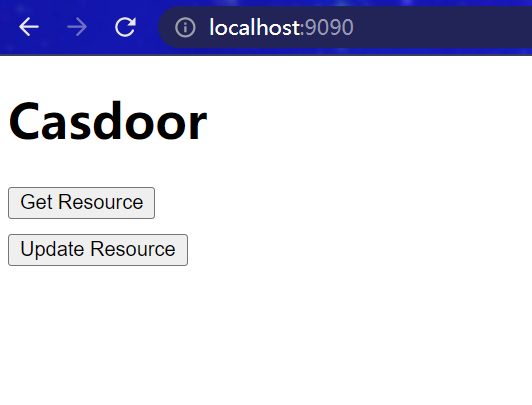
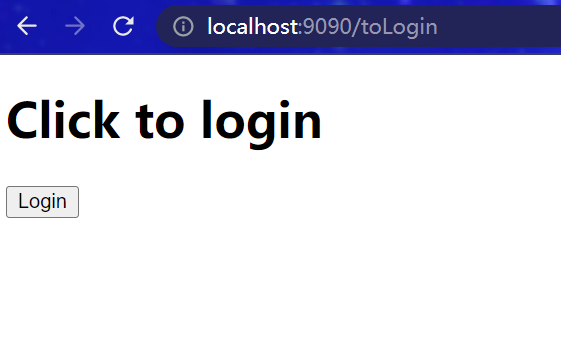
The gateway triggers auth; unauthenticated users are redirected to the login page. Click Login.
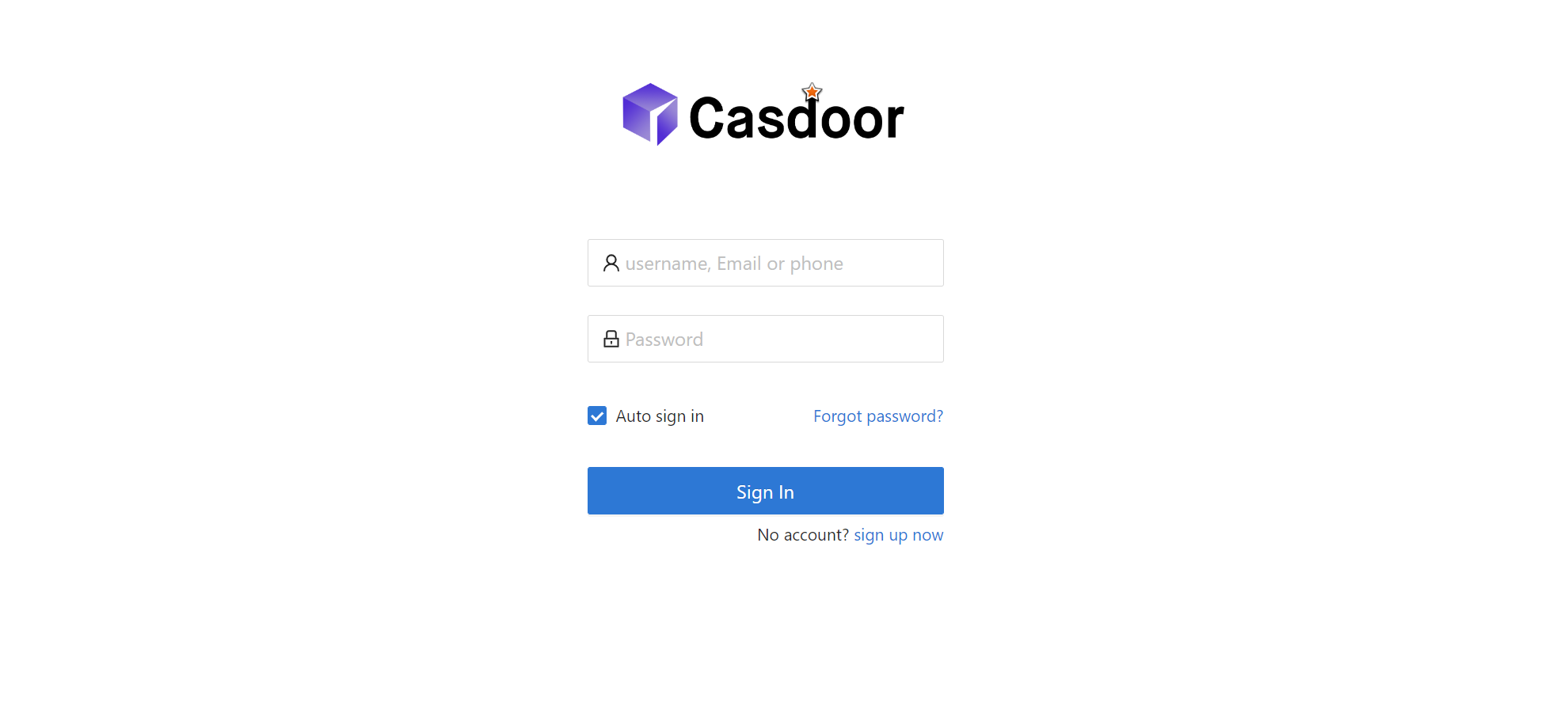
The Casdoor login page is shown.
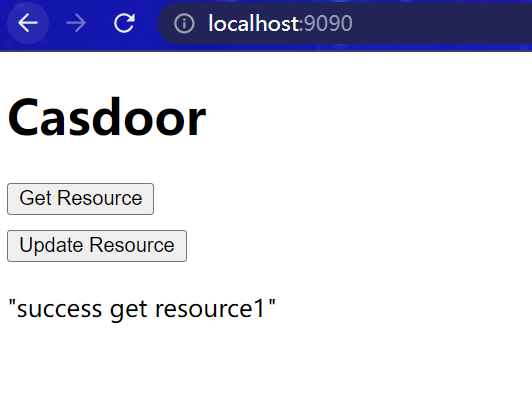
After login, you are redirected to the main interface; you can proceed to use the app.
What's more
For more on Java integration, see the following projects and docs.