Разрешения
Каждый пользователь может иметь несколько разрешений. Вы можете просмотреть разрешения пользователя в его профиле.
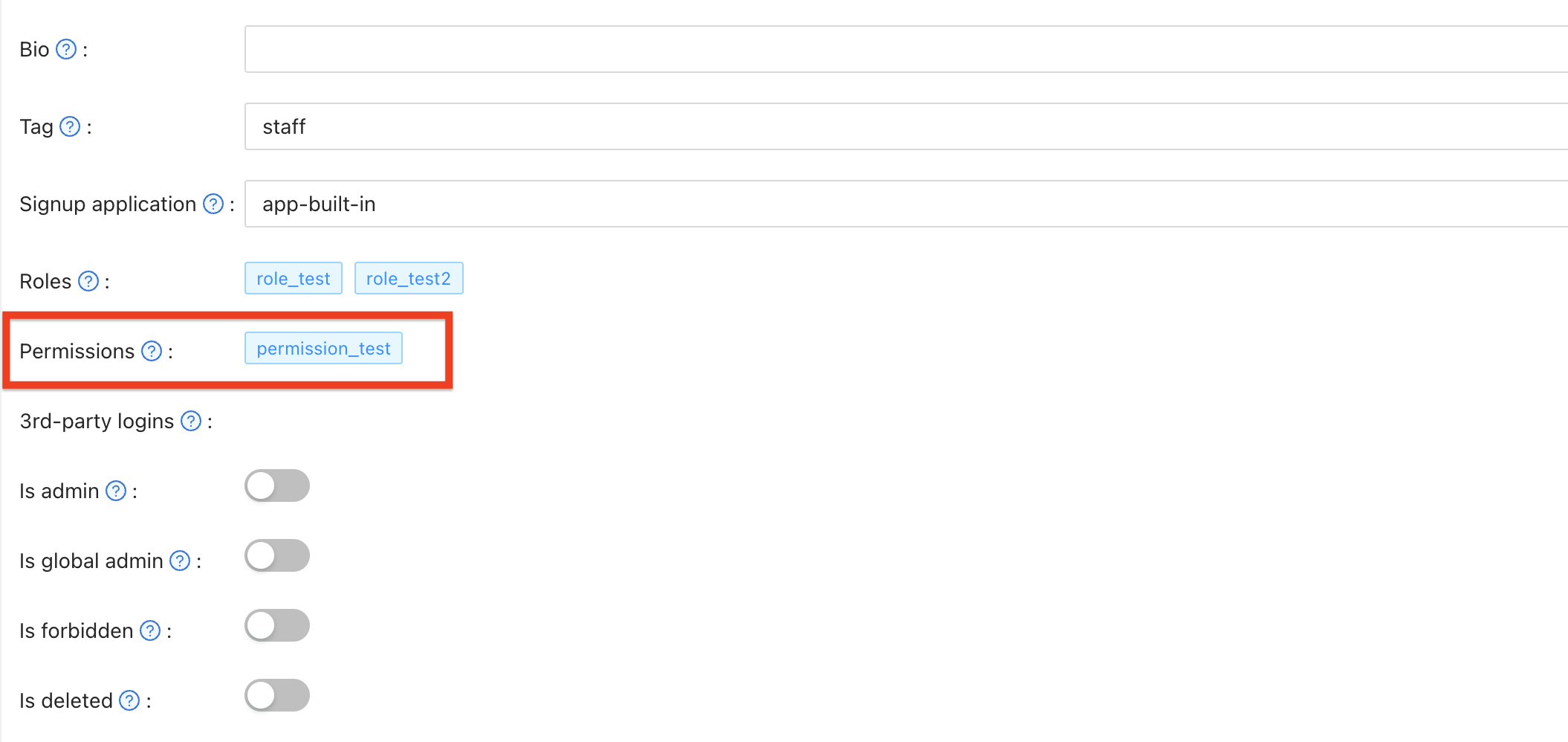
Свойства разрешений
Разрешения имеют следующие свойства:
ВладелецИмяВремяСозданияОтображаемоеИмяВключенМодельUsers: An array of users belonging to this permissionRoles: An array of roles belonging to this permissionТипРесурсаResources: Массив ресурсовActions: Массив действийЭффект
Managing Permissions via API
Permissions are managed as separate resources in Casdoor. When you retrieve a user object, the Permissions field is populated dynamically by extending the user data with information from the Permissions resource.
To assign or update permissions for users, use the Permissions API endpoints rather than the User API. You can manage permissions through:
- Web UI: Navigate to the Permissions management page (e.g.,
https://door.casdoor.com/permissions) - API: Use the permission-specific endpoints documented in the Casdoor API reference
The Permission resource allows you to define permissions with specific users and roles assigned to them. When a user is added to a permission's Users array or belongs to a role in the permission's Roles array, that permission will automatically appear in the user's Permissions field when retrieving user data.