Specify login organization
You can enable organization selection on the sign-in page so users pick or type the organization before signing in. For example, /login is the default page for the built-in organization; with this option enabled on app-built-in, users select an organization and are redirected to /login/<organization>.
Configuration
On the application edit page, set Org select mode:

| Mode | Behavior |
|---|---|
| None | Organization selection is not shown. |
| Input | User types the organization name in an input. |
| Select | User chooses the organization from a dropdown. |
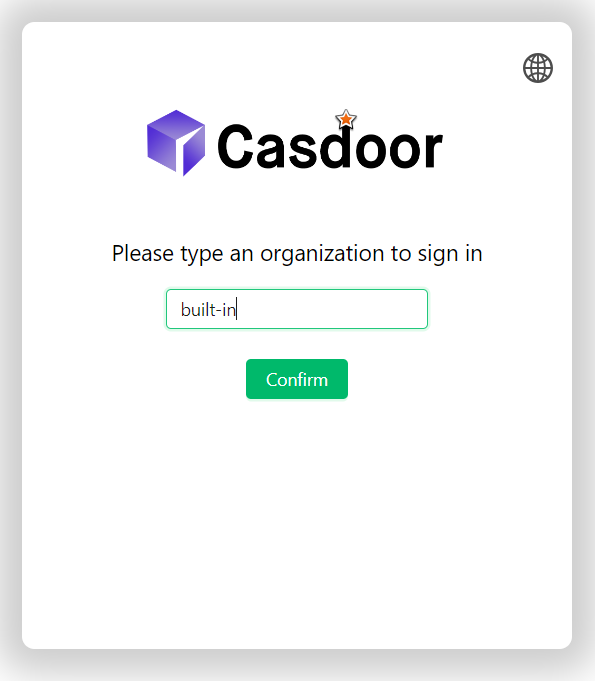
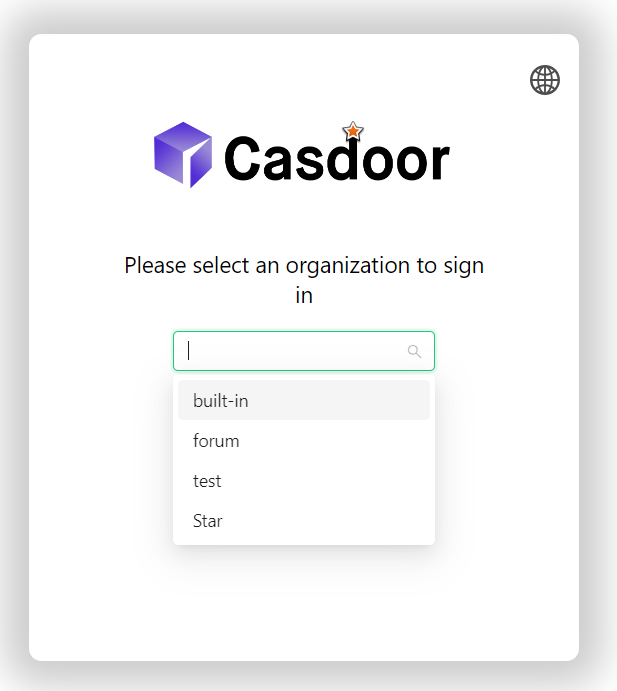
The organization selection page appears only when the route is /login or <organization>/login. The application must be set as the default application for the organization (or app-built-in).
Automatic redirect after session expiry
When a user’s session expires, Casdoor remembers the last-used organization (stored in the browser when visiting e.g. /login/my-org). On the next sign-in, they are redirected to that organization’s login page instead of the generic /login page.
If no organization is stored, the user is sent to /login and can choose an organization via the configured mode (Input or Select) if enabled.