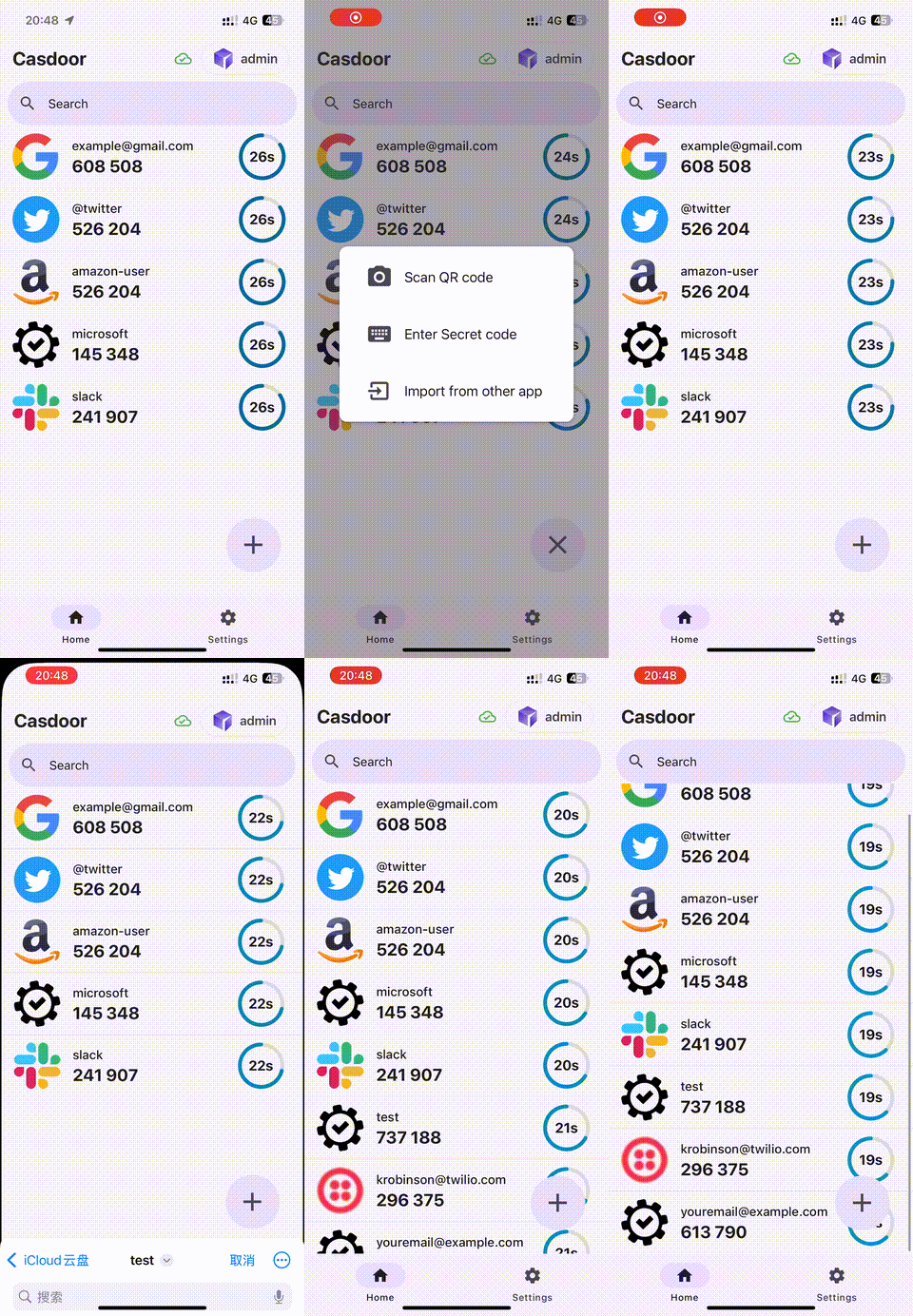
Casdoor authenticator app
Casdoor Authenticator (app.casdoor.org) is an open-source TOTP app (GitHub) similar to Google Authenticator or Microsoft Authenticator. It provides MFA with time-based one-time passwords (TOTP) on iOS and Android and can sync accounts with Casdoor.
Features
- MFA — Generate TOTP codes for 2FA.
- Offline — Codes work without internet.
- Sync — Accounts sync across devices via Casdoor.
- Privacy — Data encrypted and stored securely.
- UI — Simple, intuitive interface.
| Android | iOS |
|---|---|
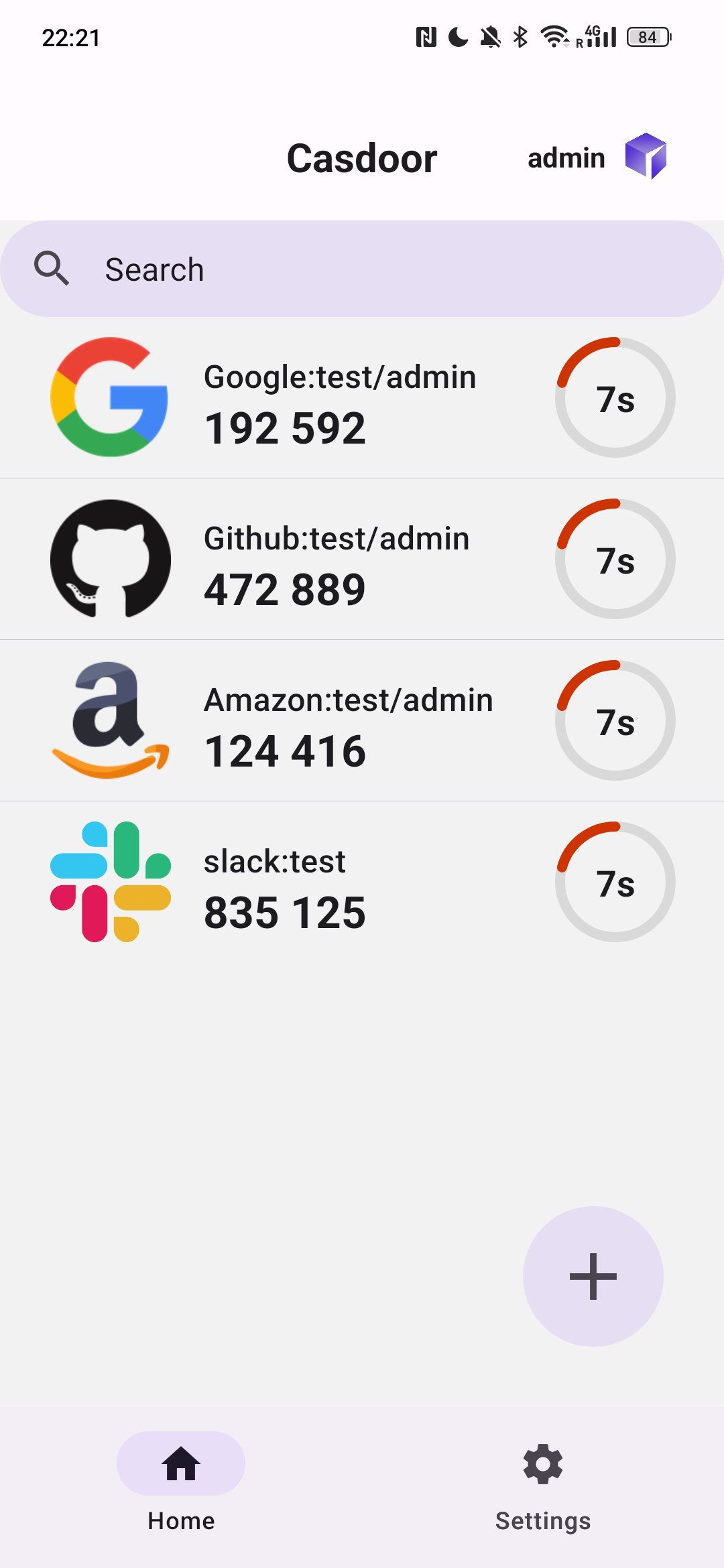 | 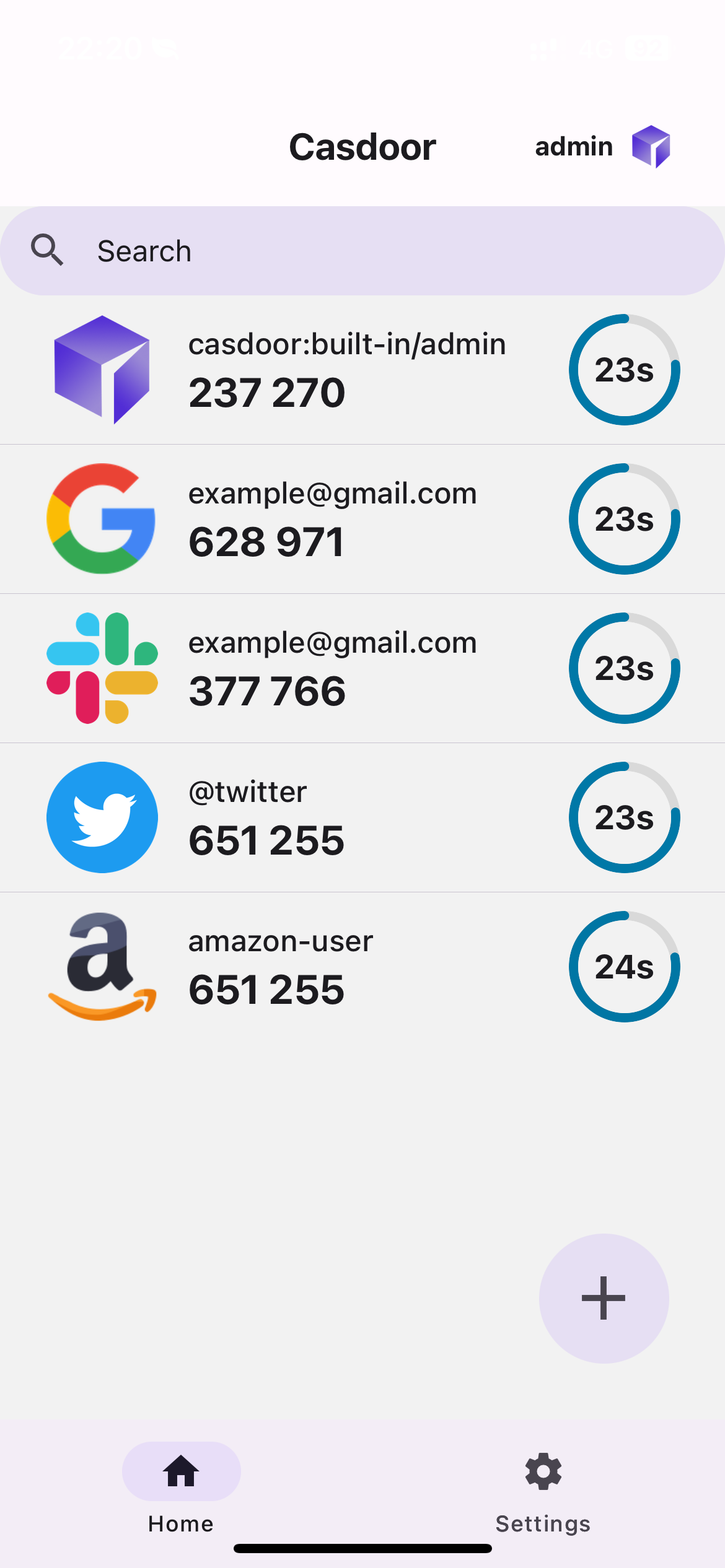 |
What is TOTP?
TOTP (Time-based One-Time Password) is a standard 2FA method. Codes are generated from a shared secret and the current time (RFC 6238): they change every 30 seconds, work offline, and are widely supported.
Using the app
Step 0: Install
- Android: Releases or app.casdoor.org.
- iOS: See app.casdoor.org and the repo.
- Build from source: Casdoor Authenticator – Building from source.
Step 1: Enable MFA account storage (optional)
To store TOTP accounts in Casdoor, enable the MFA accounts setting on the Casdoor server.
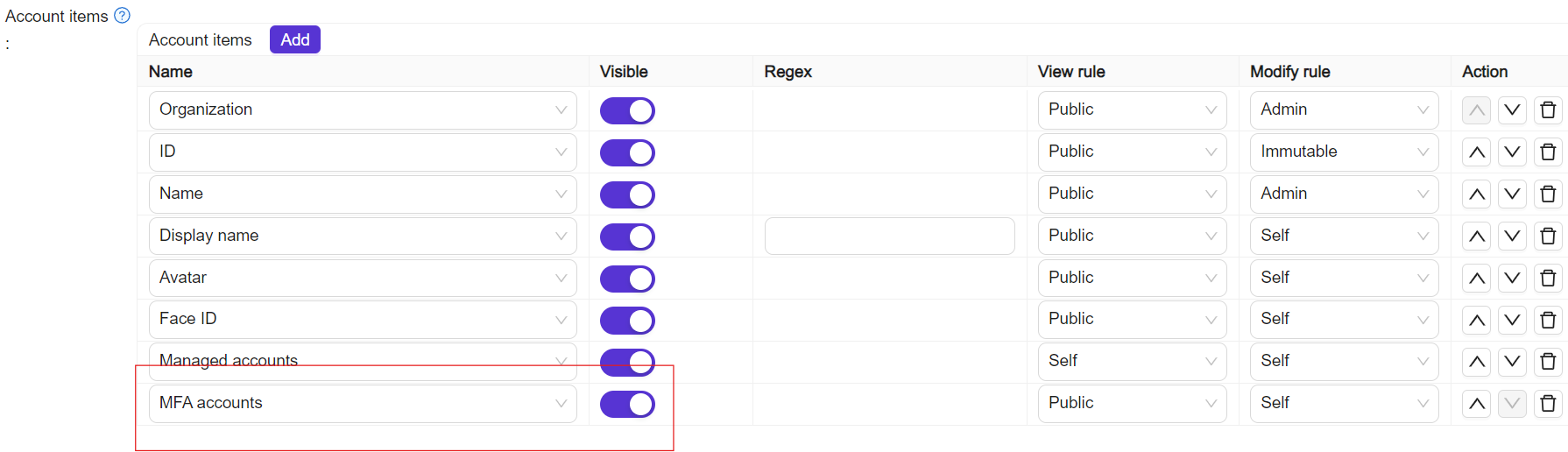
Step 2: Connect to Casdoor
After installing the app (and enabling MFA accounts if you use sync), connect in one of these ways:
| Method | Steps |
|---|---|
| Manual | Tap Enter Server Manually, enter server URL, client ID, and organization name, then sign in. |
| QR code | Tap Scan QR Code, scan the QR from My Account → MFA accounts on the Casdoor server. |
| Demo | Tap Try Demo Server to use the preconfigured demo instance. |
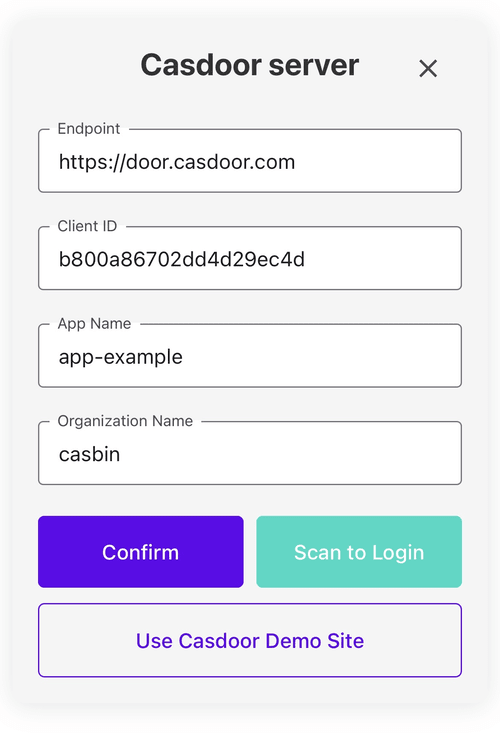
You can then view TOTP codes and manage 2FA accounts in the app.
Migration from other authenticators
From Google Authenticator
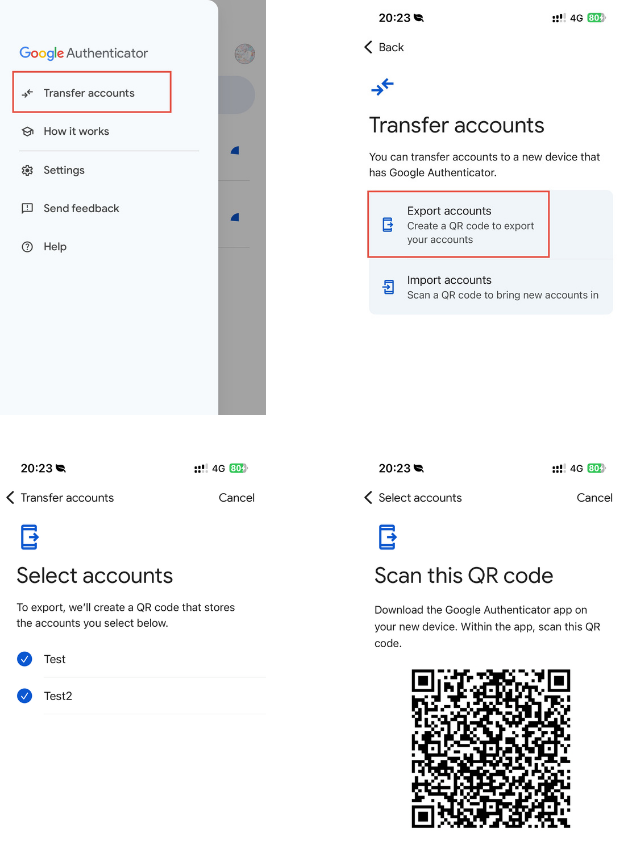
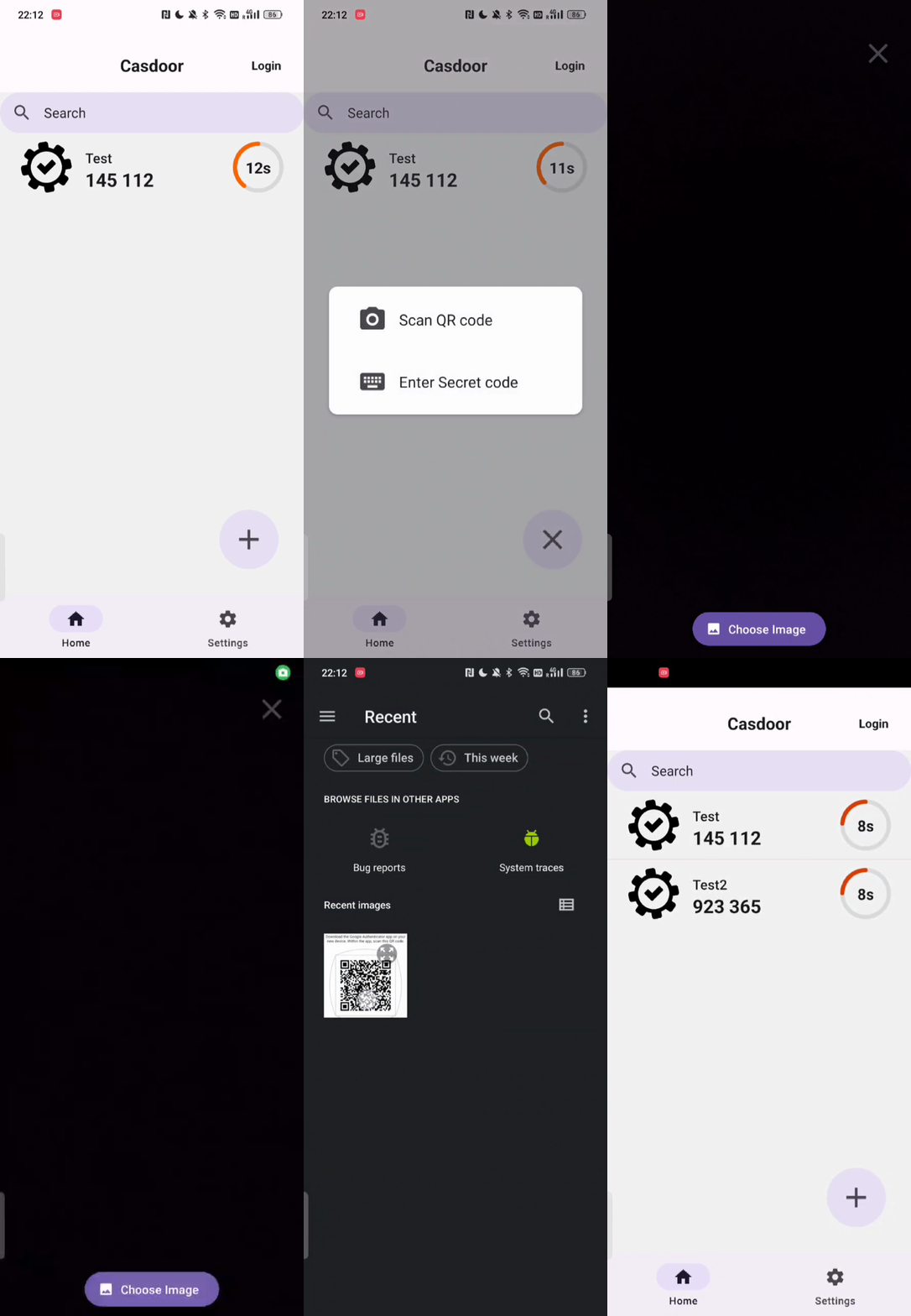
In Google Authenticator: Menu → Transfer accounts → select accounts → Export (QR code). In Casdoor Authenticator, scan that QR to import.
From Microsoft Authenticator (Android, root required)
- On the device with Microsoft Authenticator, the app data is under
/data/data/com.azure.authenticator/databases/. Root access is required to read it. - Copy the
PhoneFactordatabase file. - In Casdoor Authenticator: import → Import from Microsoft Authenticator → select the
PhoneFactorfile. - The app imports the TOTP accounts.