Alibaba Cloud FaceBody
Alibaba Cloud FaceBody provides face detection, comparison, and human-body detection via API. It is used for scenarios such as face AR, biometric auth, and photo management.
1. Register and enable FaceBody
Sign in at Alibaba Cloud FaceBody and open the service.

2. Purchase CompareFace resource pack
On the Face Body console, purchase a CompareFace resource pack.
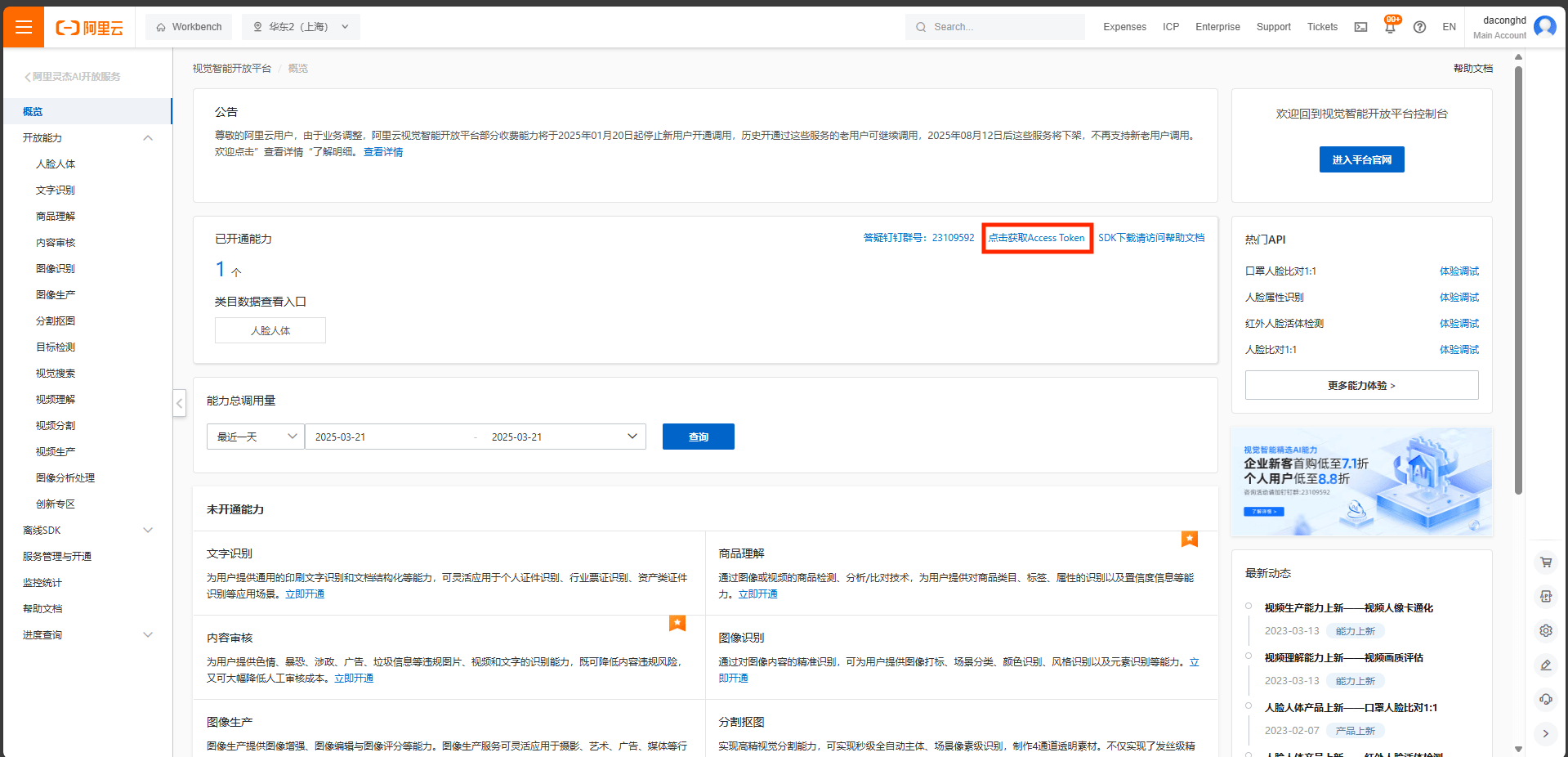
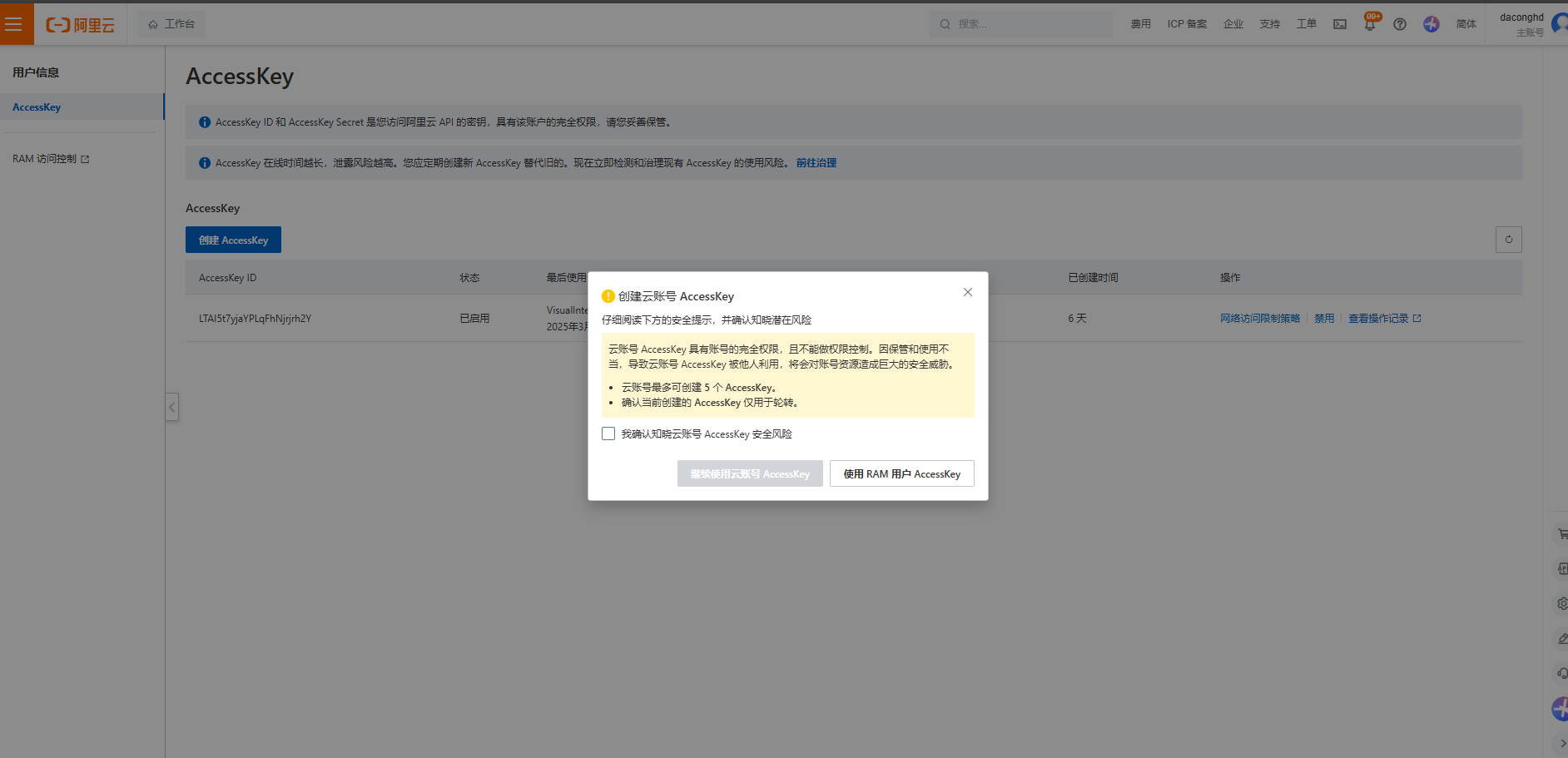
3. Create AccessKey
In the Alibaba Cloud console, create an AccessKey and AccessSecret. Save both.
4. Get endpoint
Find the endpoint for your region in Aliyun FaceBody docs. Example: region cn-shanghai → endpoint facebody.cn-shanghai.aliyuncs.com.
5. Create the provider in Casdoor
Providers → Add. Set Category to Face ID, Type to Alibaba Cloud FaceBody. Enter Client ID (AccessKey ID), Client Secret (AccessSecret), and Endpoint. Save and add the provider to your application.