Application tags
Application tags limit who can sign in: only users with at least one tag that matches the application’s tags can access it. Admins and global admins are not restricted.
Example: if the application has tags dev and staging, users must have dev or staging (or both). User tags are comma-separated (e.g. "dev,qa,staging"); Casdoor checks each tag and allows access if any match. The reserved tag guest-user is for guest authentication; those users become normal-user when they set credentials.
Multiple tags per user
Assign several tags to one user (e.g. "dev,staging") so they can access multiple apps or environments. Casdoor splits the user’s tags and matches against the application’s tags. Single-tag users (e.g. "prod") behave as before.
Configuration
On the application edit page, use the Tags section to add the tags that are allowed to sign in.
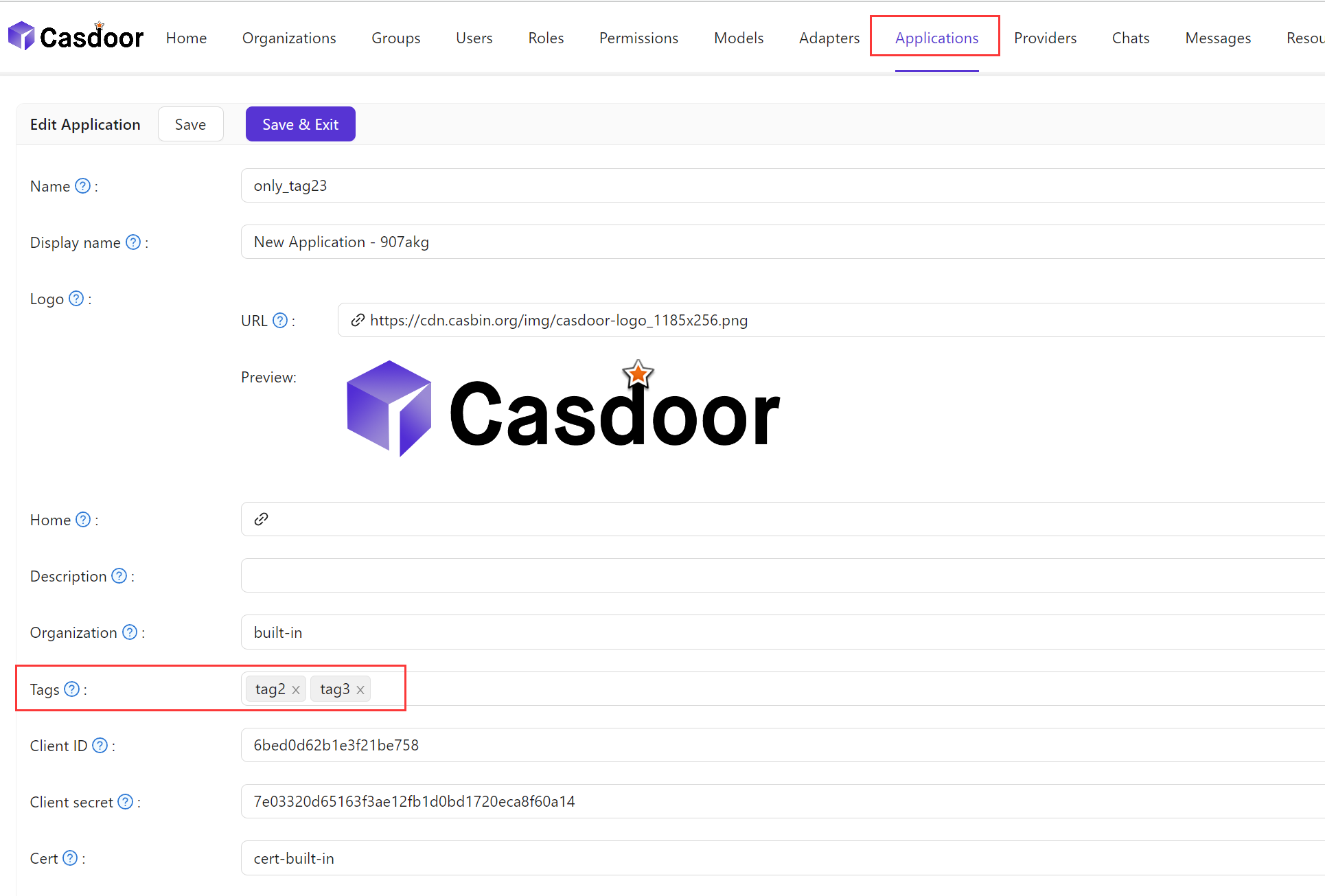
Here is a video demonstrating how application tags work: