Overview
Casdoor supports invitation-based registration. When an administrator makes the invitation code required on the sign-up page, only users with a valid invitation code can register.
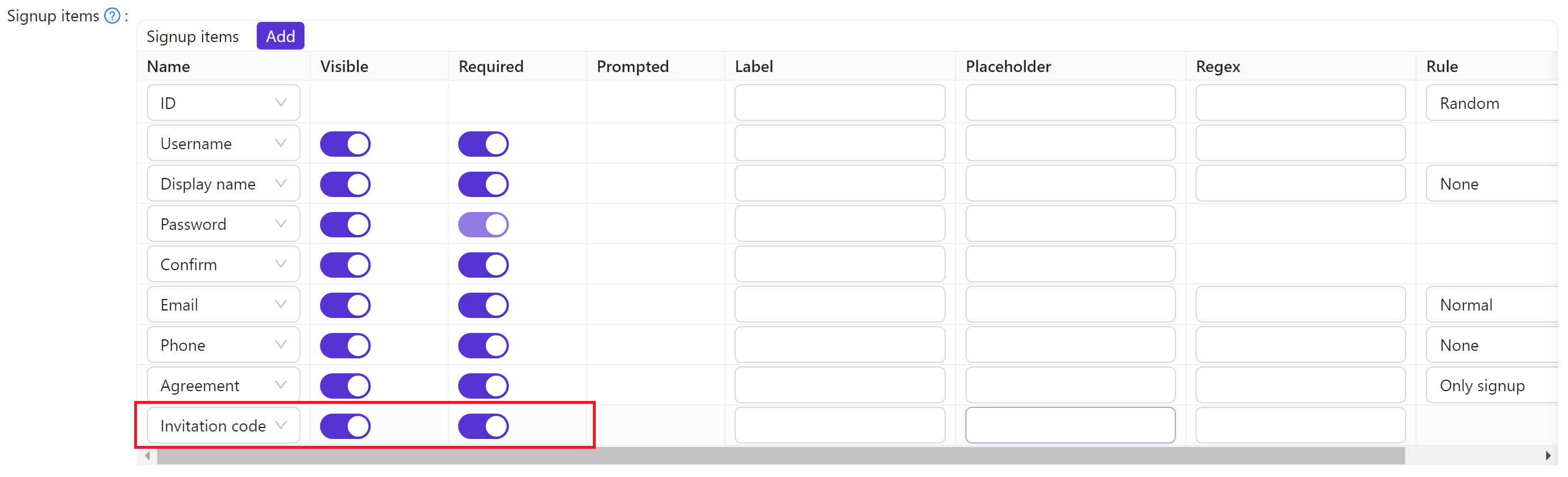
Invitation codes can be a random string (default) or a regular expression that matches multiple codes.

Invitation properties
Each invitation has:
- Organization — Organization that owns the invitation
- Name — Unique invitation name
- Display name — Label shown in the UI
- Code — The invitation code (literal string or regex)
- Default code — Value used in the invitation link. For random codes it matches the code; for regex, you must set a value that matches the regex
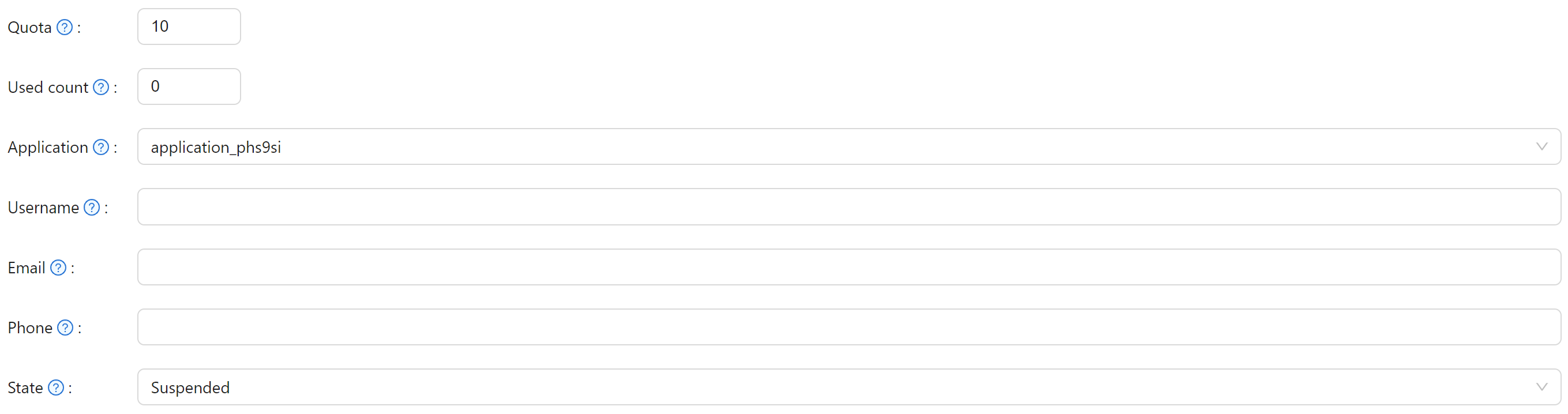
- Quota — Maximum number of uses
- Used count — Current use count
- Application — Applications that can use this code;
ALL= all apps in the organization. Shared applications get organization-specific handling - Username / Email / Phone — Optional fixed values required when registering with this invitation
- State — Invitation status (e.g. active, suspended)
Default invitation
By default, the code is a random alphanumeric string and Quota is 1 (single use). Application is ALL (all apps in the organization).
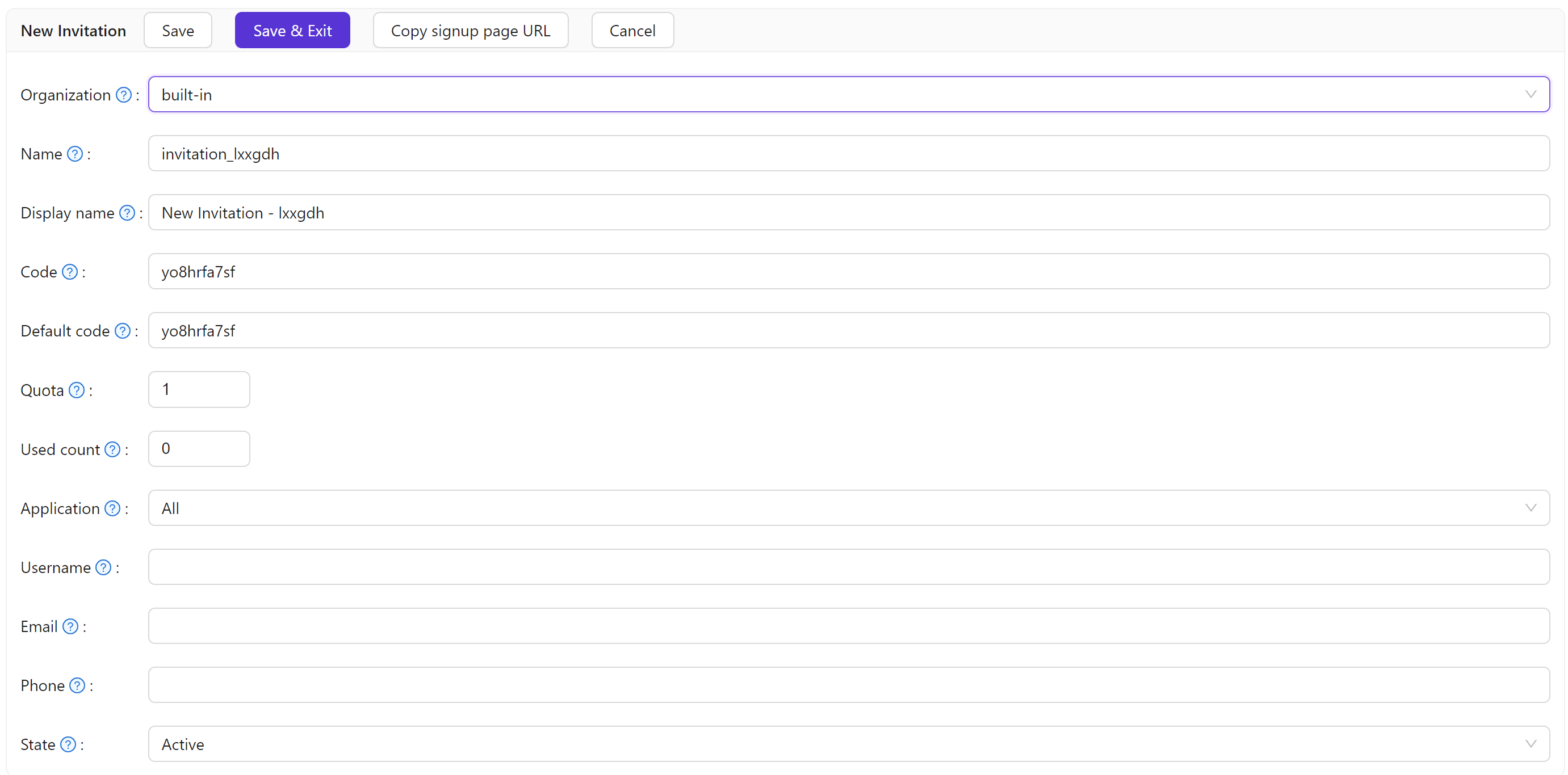
To tie an invitation to a specific user, set Username, Email, or Phone. If those fields are empty or not shown on the sign-up form, Casdoor does not enforce them.

To allow reuse, set Quota higher (e.g. 10). To stop new sign-ups with this code, set the invitation State to Suspended.
If an invitation has Username, Email, or Phone set, keep Quota at 1. Those fields must be unique per user, so only one registration per invitation is allowed.
Regex-based invitations
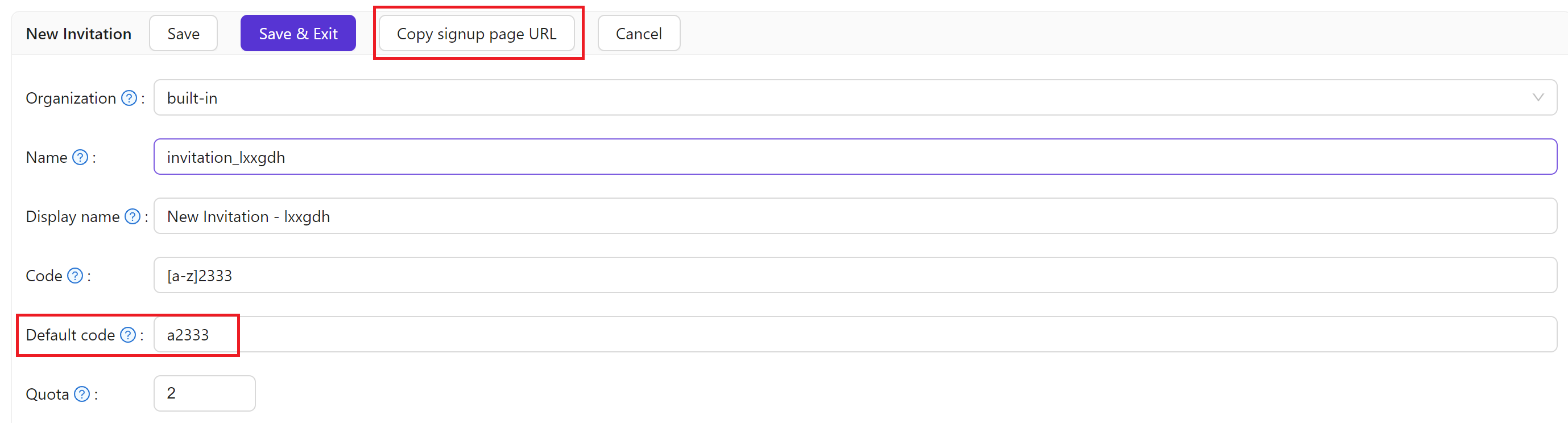
For many invitation codes without creating each one manually, use a regular expression for Code. For example, with Code set to [a-z]2333, any code matching that pattern (e.g. a2333, b2333) is accepted.

With regex codes, each distinct matching code can be used once. Quota limits total uses. For example, Code = [a-z]2333 and Quota = 2 means at most two successful sign-ups with any matching code.
Invitation link
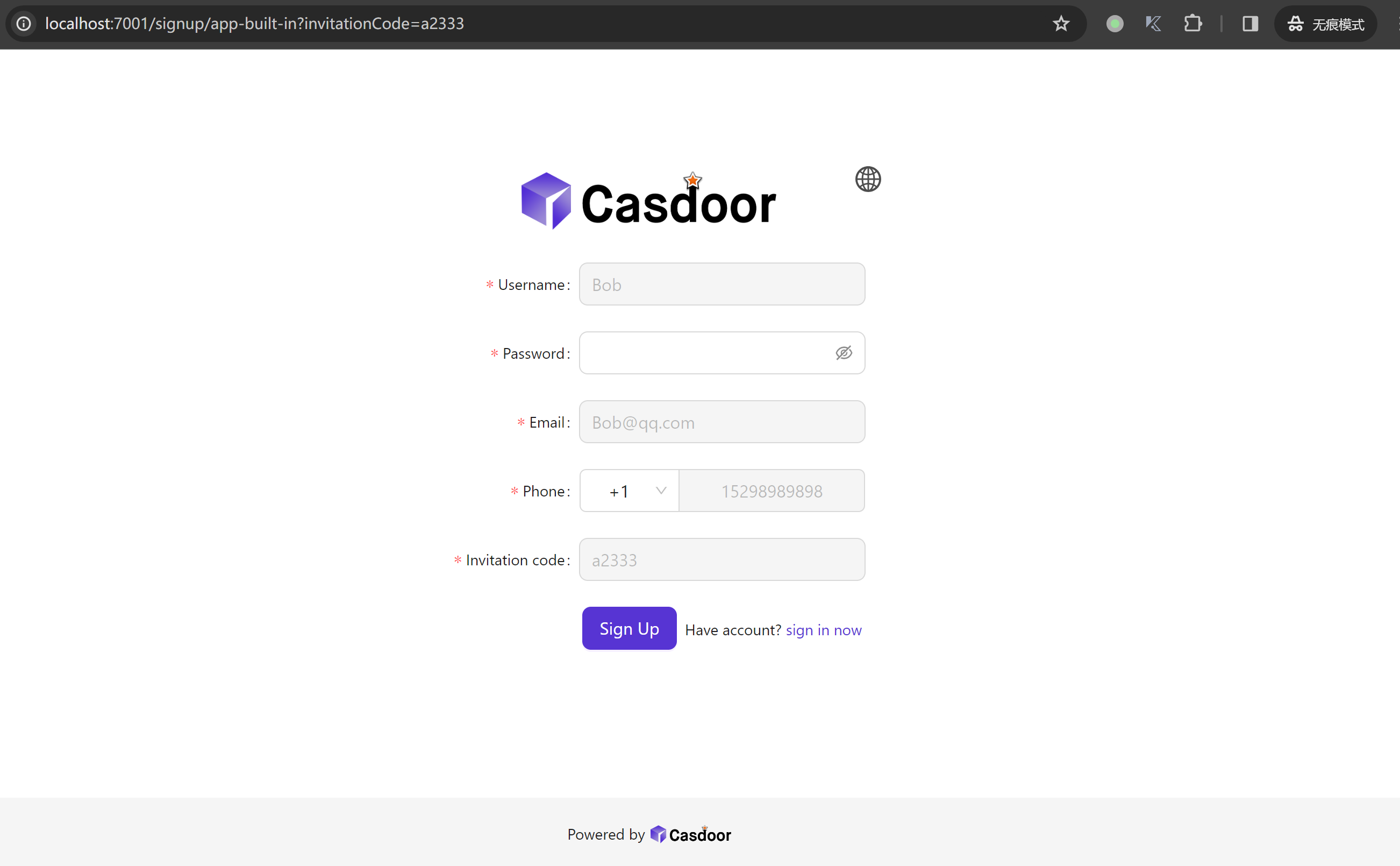
Copy an invitation link for an invitation. The code in the link comes from Default code; for regex-based invitations, set Default code to a value that matches the regex. When users open the link, the sign-up form can be pre-filled from the invitation.
For shared applications, invitation links are generated with the correct -org-{orgName} suffix so registration completes in the right organization.