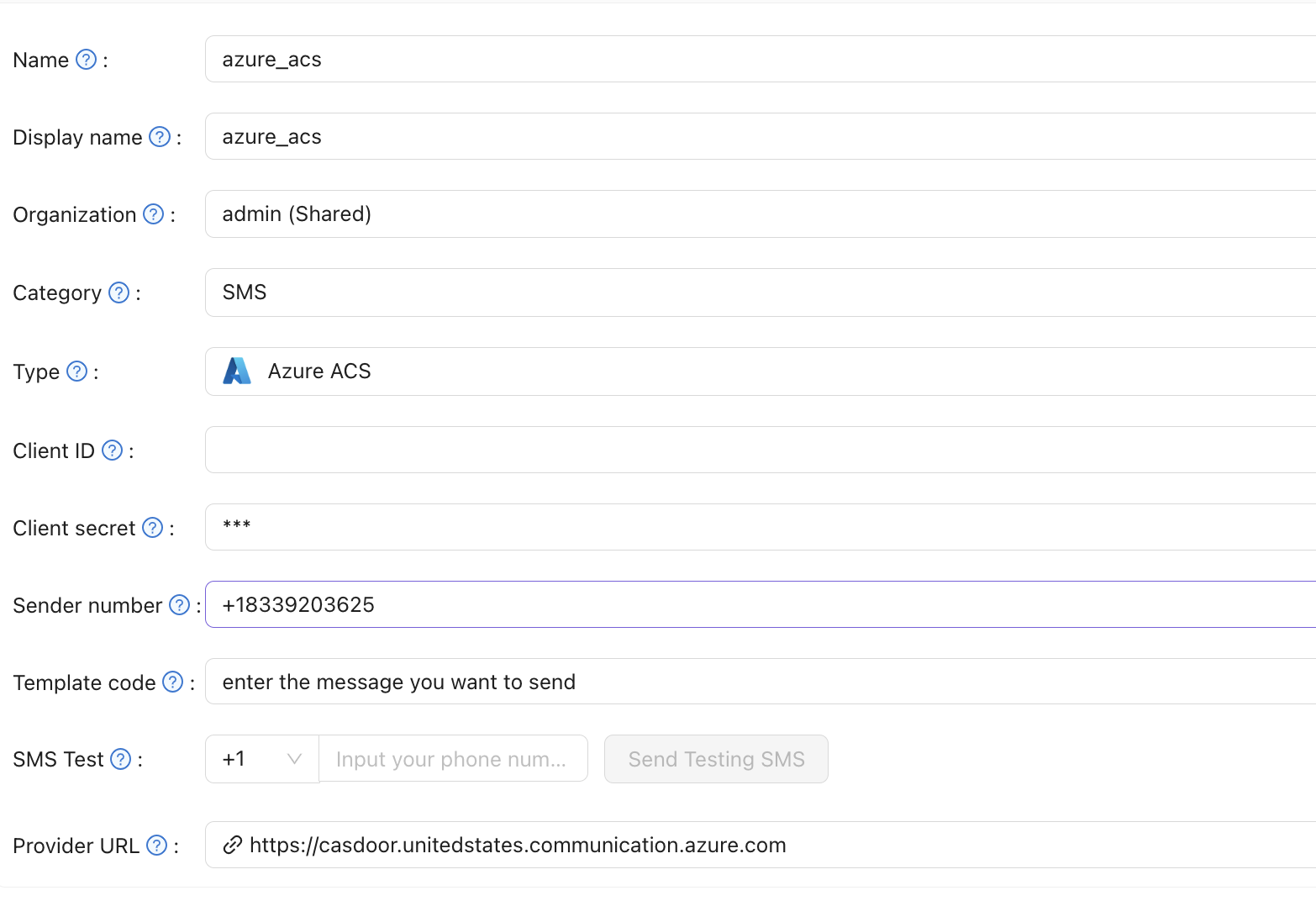
Azure Communication Services SMS
Create a SMS provider in Casdoor and set Type to Azure ACS. You need: Client secret, Sender number, Provider Url, and Template code.
| Casdoor field | Azure ACS / meaning | Required |
|---|---|---|
| Client secret | User Access Token (Communication Service) | Yes |
| Sender number | Phone number from Communication Service | Yes |
| Provider Url | Communication Service endpoint | Yes |
| Template code | Message template / body | Yes |
Get credentials in Azure
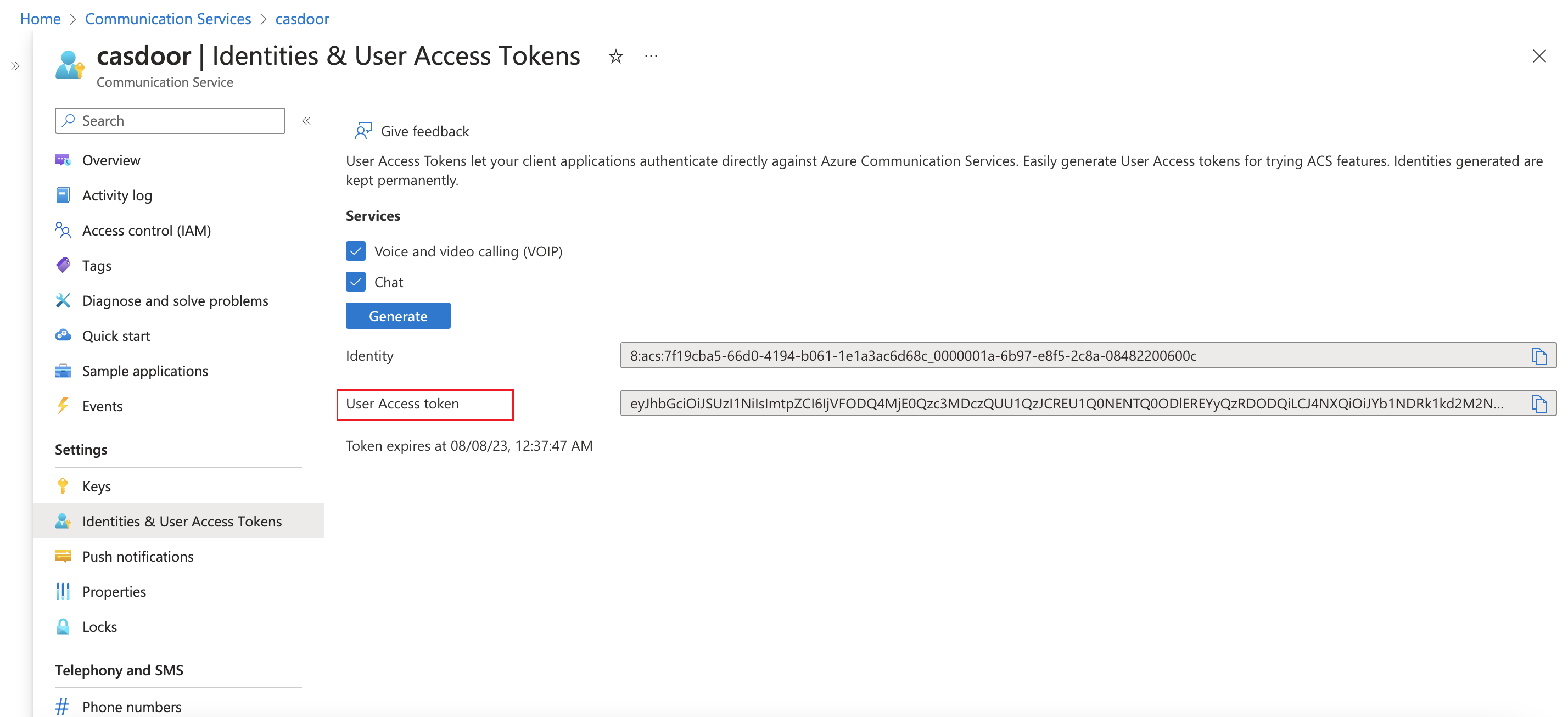
- Client secret — In your Communication Service, create a User Access Token and use it as Client secret in Casdoor.
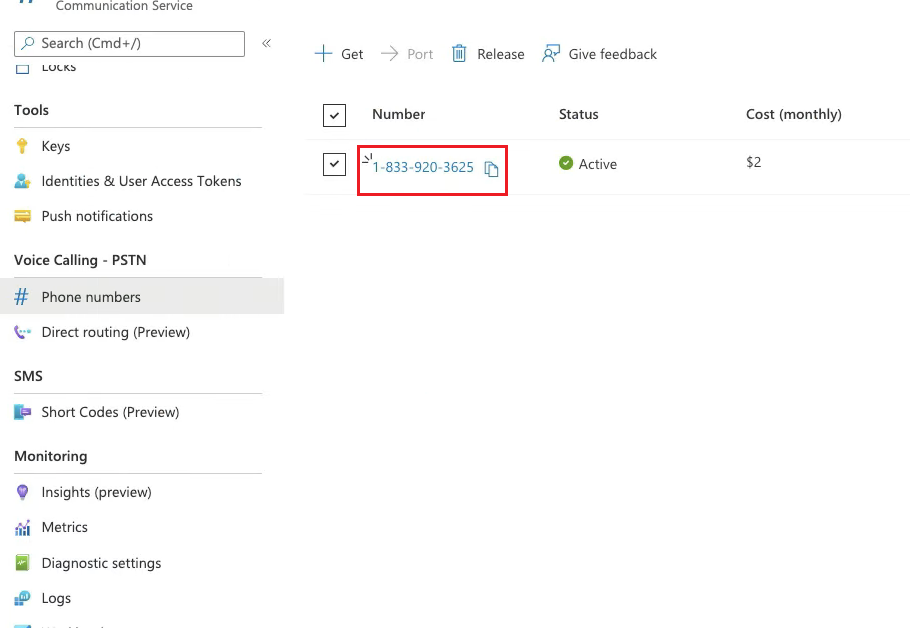
- Sender number — Use a phone number provisioned in the Communication Service.
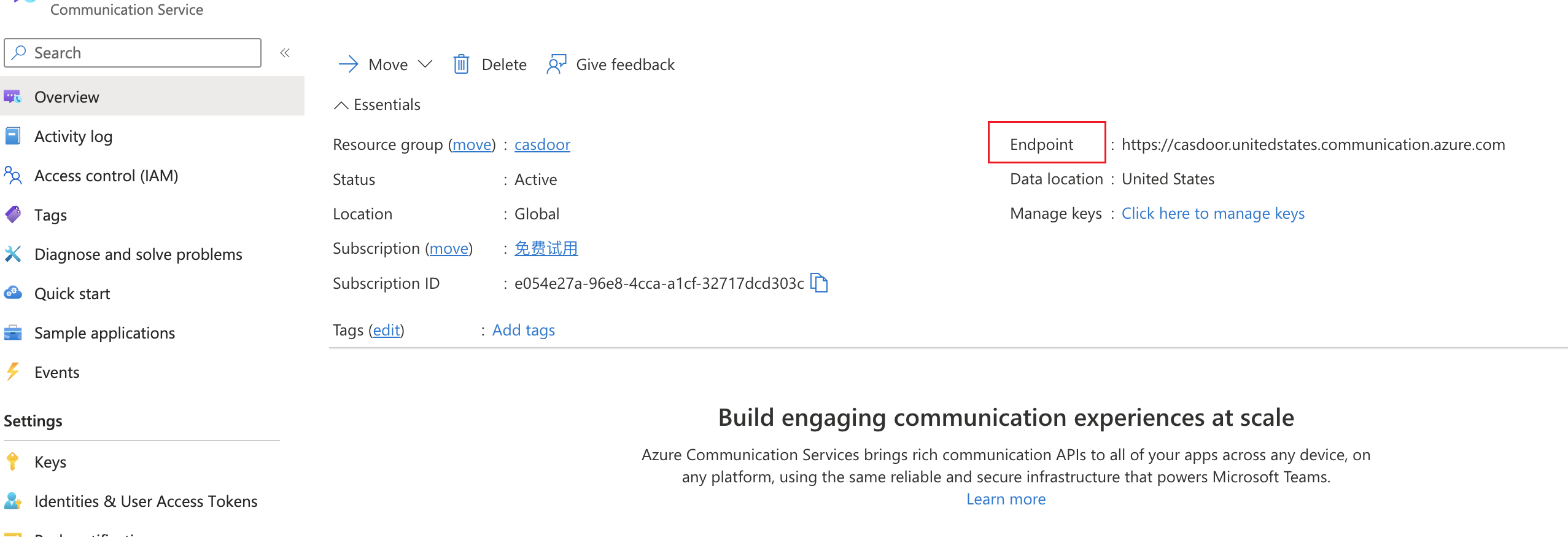
- Provider Url — Use the Communication Service endpoint URL.
Configure and test in Casdoor
Fill in the provider fields. Template code is the message (or template) to send. Use SMS Test with a phone number to verify.